Features
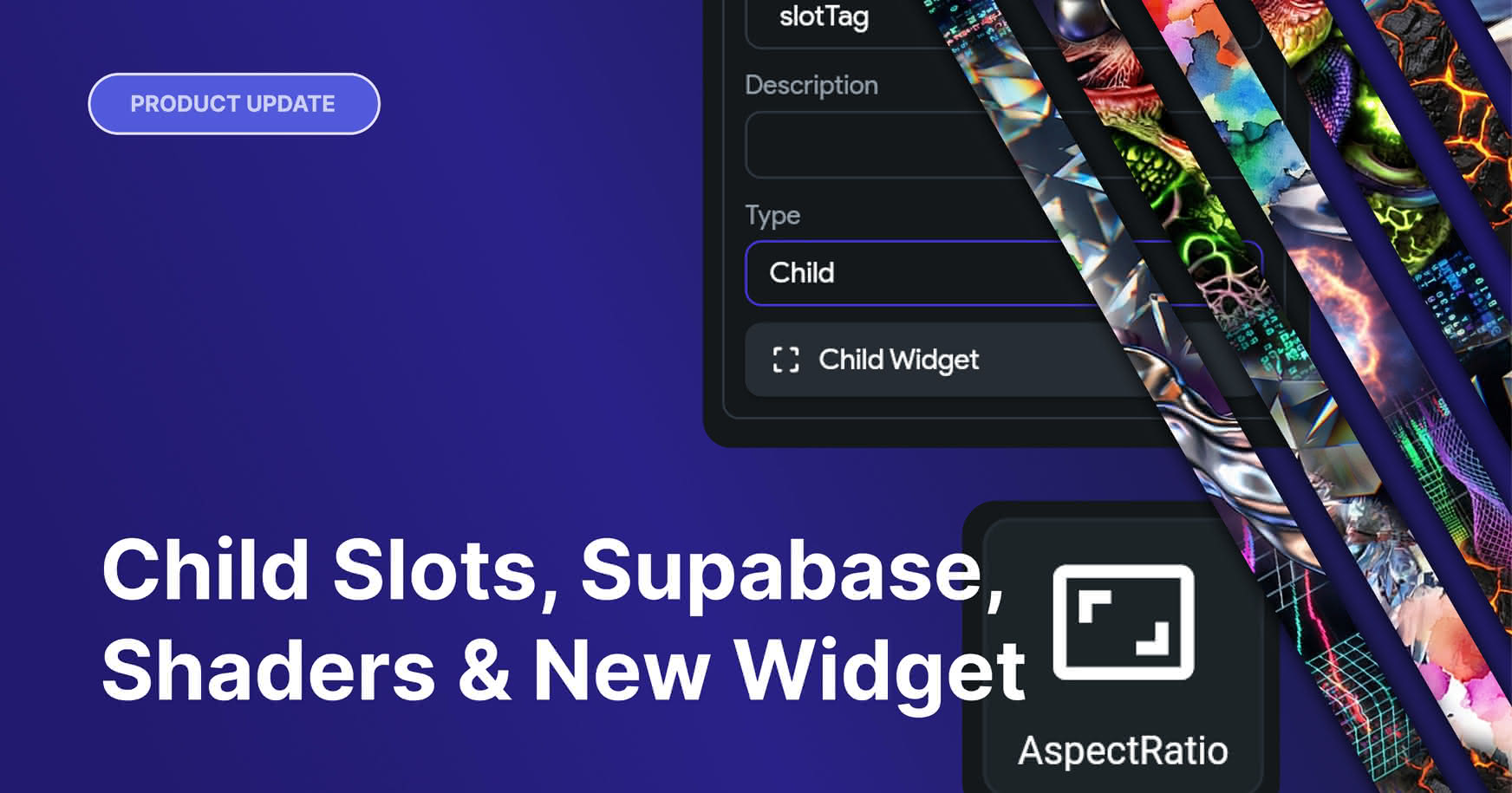
Child Slots
A new way to build flexible, composable components in FlutterFlow. Child Slots let you declare named "drop zones" inside your components, places where anyone using the component can plug in any widget they want, from a simple Icon to a full Switch, TextField, or nested component.

How to use
- Open component
- Add a parameter: in the properties panel, click Add Parameter and choose Child Widget as the type.
- Name it (e.g.
trailing,header,content) and optionally add a description. - Place the slot in the tree: drag the new slot from the widget palette's Components & Custom Widgets section to the spot in your component's layout where the injected content should render. A dashed placeholder appears on the canvas.
- Pass a Component/Widget. When anyone drops an instance of it on a page, they'll see your slot in the widget tree and can drag any widget into it.
Custom Shaders (+ Claude Skill)
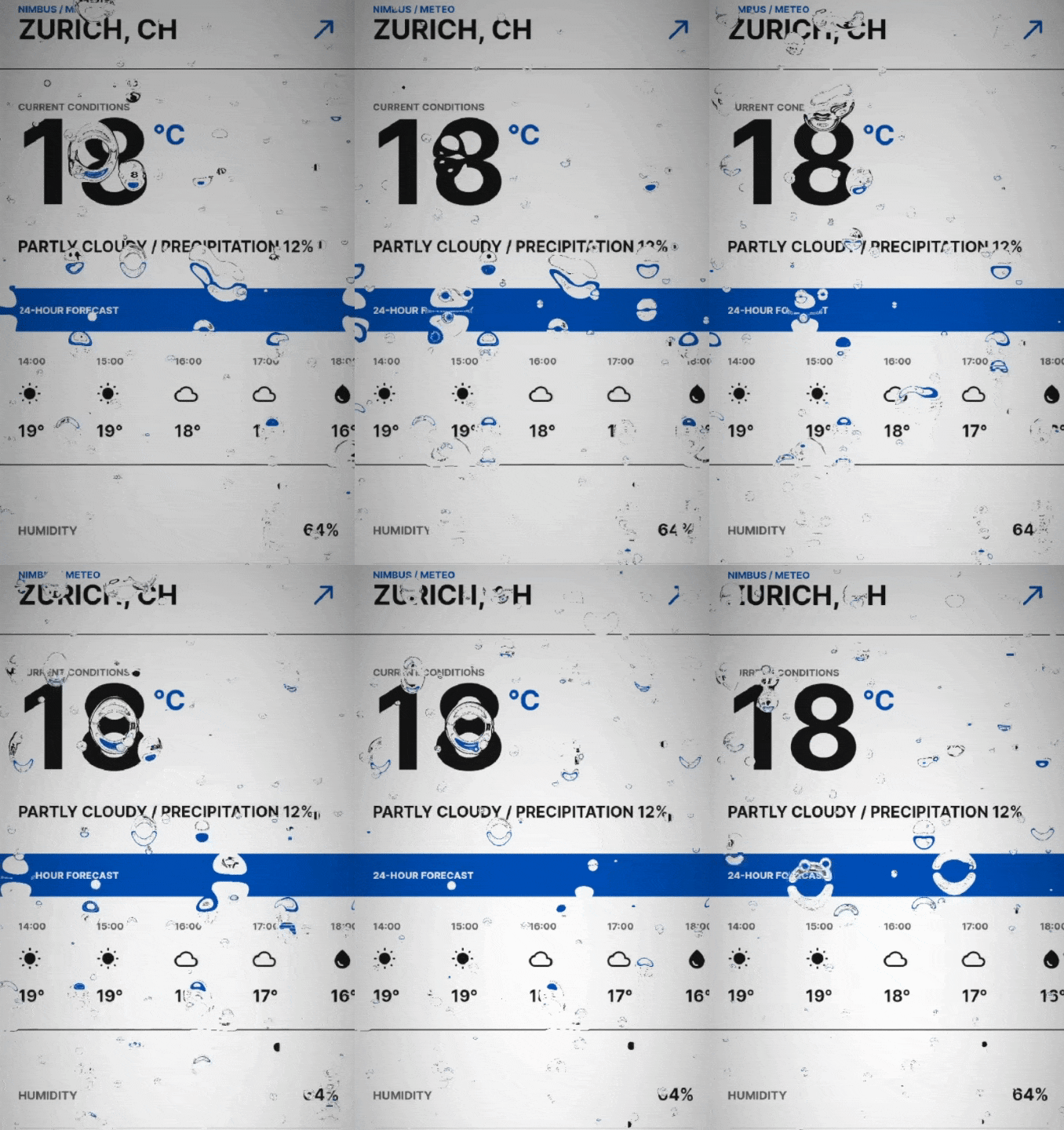
ShaderFill and ShaderWrapper widgets now support custom shader uploads. This means that you can bring your own fragment shaders or use one from https://www.shadertoy.com.
Claude Skill
We've created a Claude Skill for you to download to convert ShaderToys Shaders into fragment shaders you can use in FlutterFlow
Supabase OAuth Integration
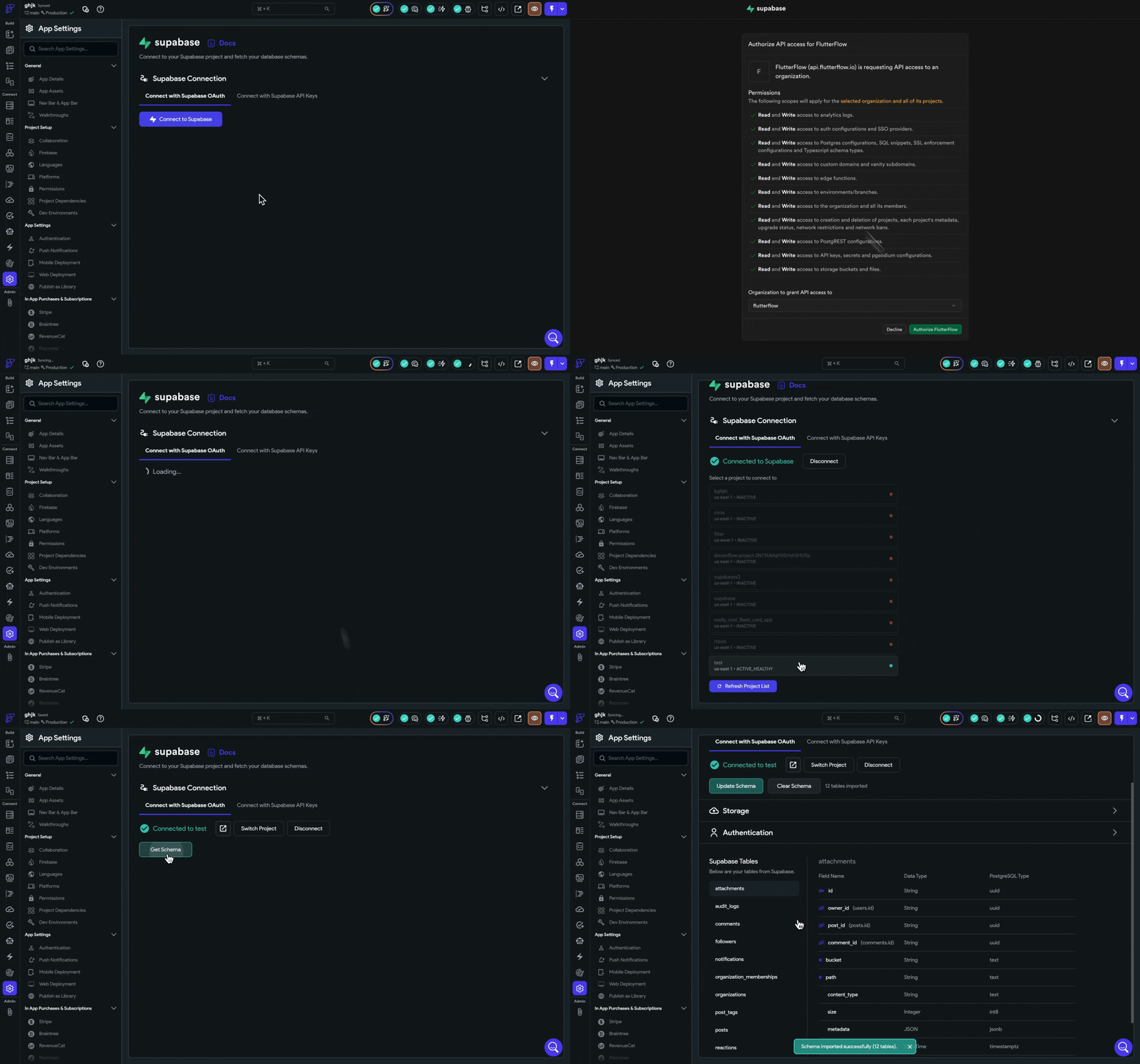
Connect your Supabase account via OAuth for a streamlined setup — FlutterFlow handles the authorization and schema import automatically.
New AspectRatio Widget
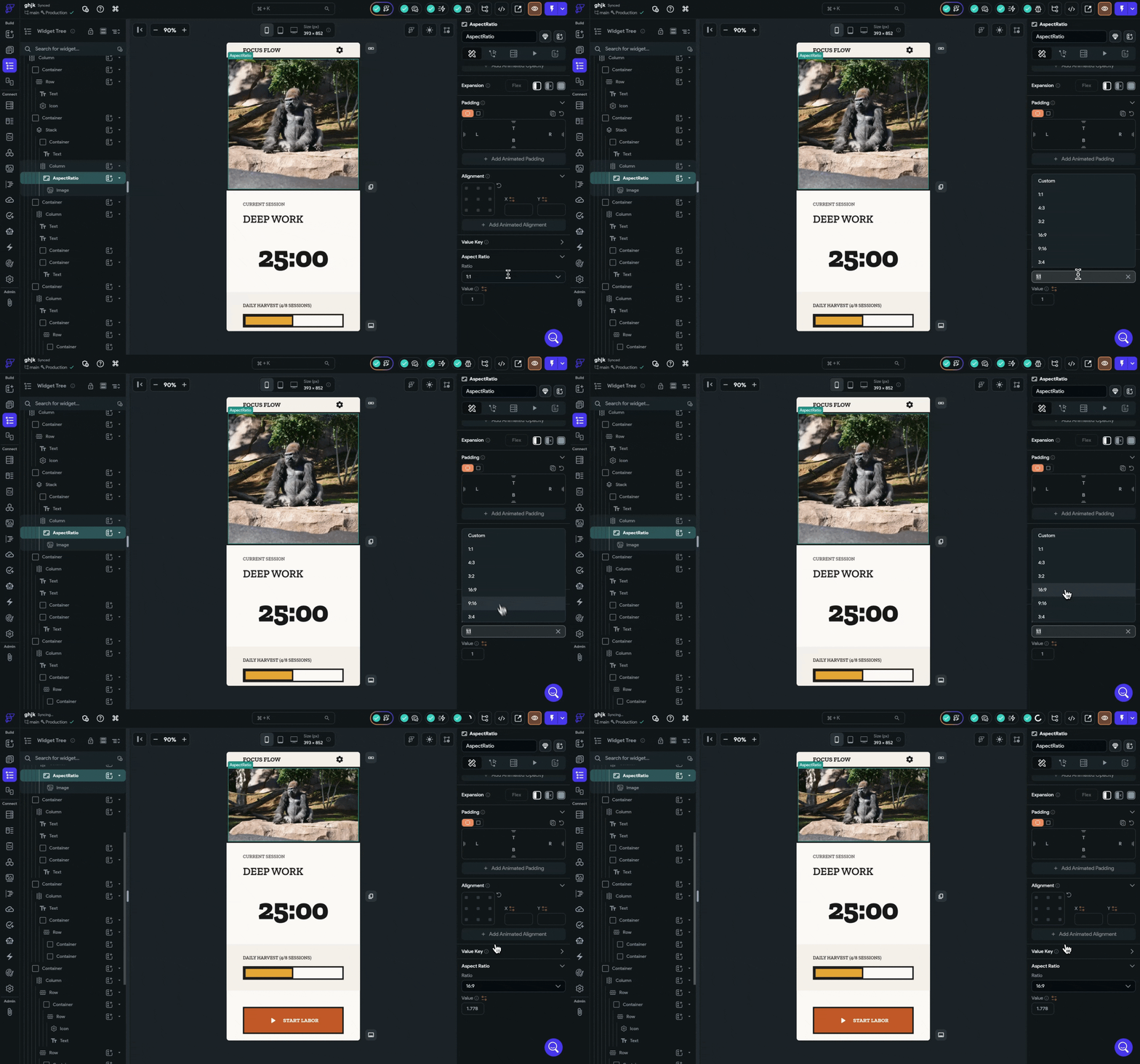
A new AspectRatio widget is available in the widget palette with preset ratios (1:1, 4:3, 3:2, 16:9, 9:16, 3:4, 2:3), custom value support and variable bindings.
Free Trial For Teams Plans
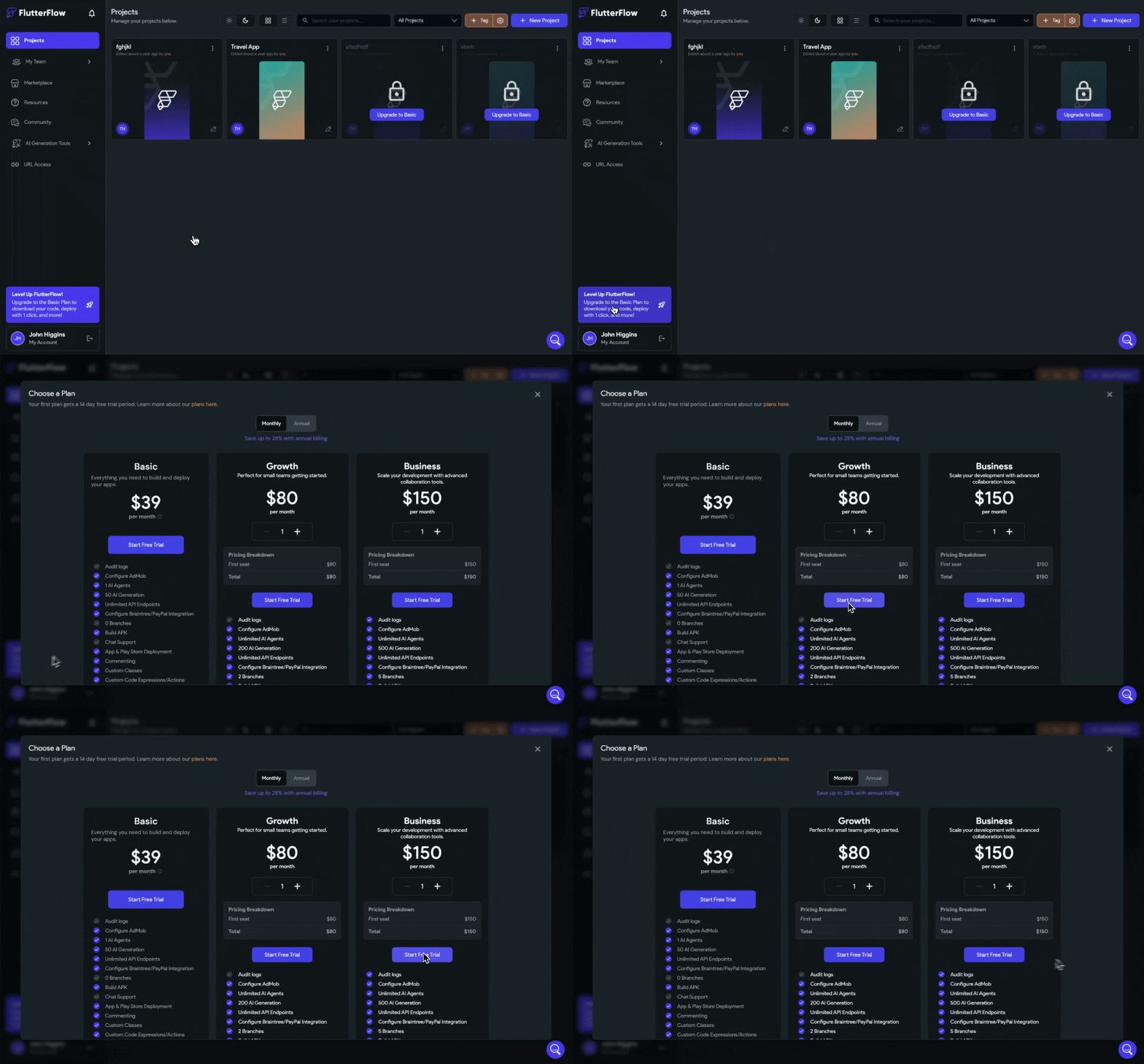
Free Trials for Team Plans: All team plans (Growth, Business) now offer a free trial on first subscription, with accurate eligibility checking across historical subscriptions.
Improvements
- Radial Gradient support from Designer: Elements pasted from FlutterFlow Designer that use radial gradients are now correctly imported rather than falling back to a flat color.
- Designer-to-FlutterFlow chart conversion: Bar, line, and pie charts created in the Designer now convert into fully functional FlutterFlow chart widgets.
- Radio Button dynamic height: Radio button options now support dynamic height with text wrapping, plus a new option spacing property for controlling gaps between options.
- PDF viewer previews render at significantly higher quality using DPR-aware scaling and lossless PNG format.
- PinCode widget now filters input to digits-only on web and desktop when keyboard type is set to Number.
- Read-only text fields no longer show a functional "clear field" icon.
- Local Run now works offline when Experimental Speed Up is enabled.
- Faster "Publish as Library" page loading for large projects.
31 Bug Fixes
We’ve been hard at work squashing bugs. Here are some highlights:
- Fixed Run Mode crashing on launch.
- Fixed custom files (and their unlocked state) being lost after a branch merge rebuild.
- Fixed library assets (fonts, icons) missing from downloaded code.
- Fixed Android APK builds failing for projects using OneSignal.
- Fixed Supabase OAuth token refresh failing with a "Required parameter: client_id" error.
- Fixed Firebase config files not syncing on Windows.
- Fixed duplicate package dependencies causing project build errors.
- Fixed app event handler code generation producing incorrect function names, which could cause build failures.
- Fixed custom palette colors generating hardcoded hex values instead of referencing your theme colors.
- Fixed property panel briefly showing incorrect widget properties after adding a new widget.
- Fixed a false "Firestore indexes not deployed" error appearing on projects with no composite indexes.
- Fixed Supabase schema import losing element type information for array columns.
- Fixed API requests from external tools (e.g., VS Code extension) being applied to the wrong version of version-pinned projects.
- Fixed marketplace sample app cloning failing with a permissions error.