FlutterFlow’s visual builder is now FlutterFlow Studio. Everything you’ve built is right where you left it. What’s changing

Start building Sign in

Already use FlutterFlow Studio? Open Studio

What’s new in FlutterFlow

Every change, newest first. The app shows the same notes under What’s new.

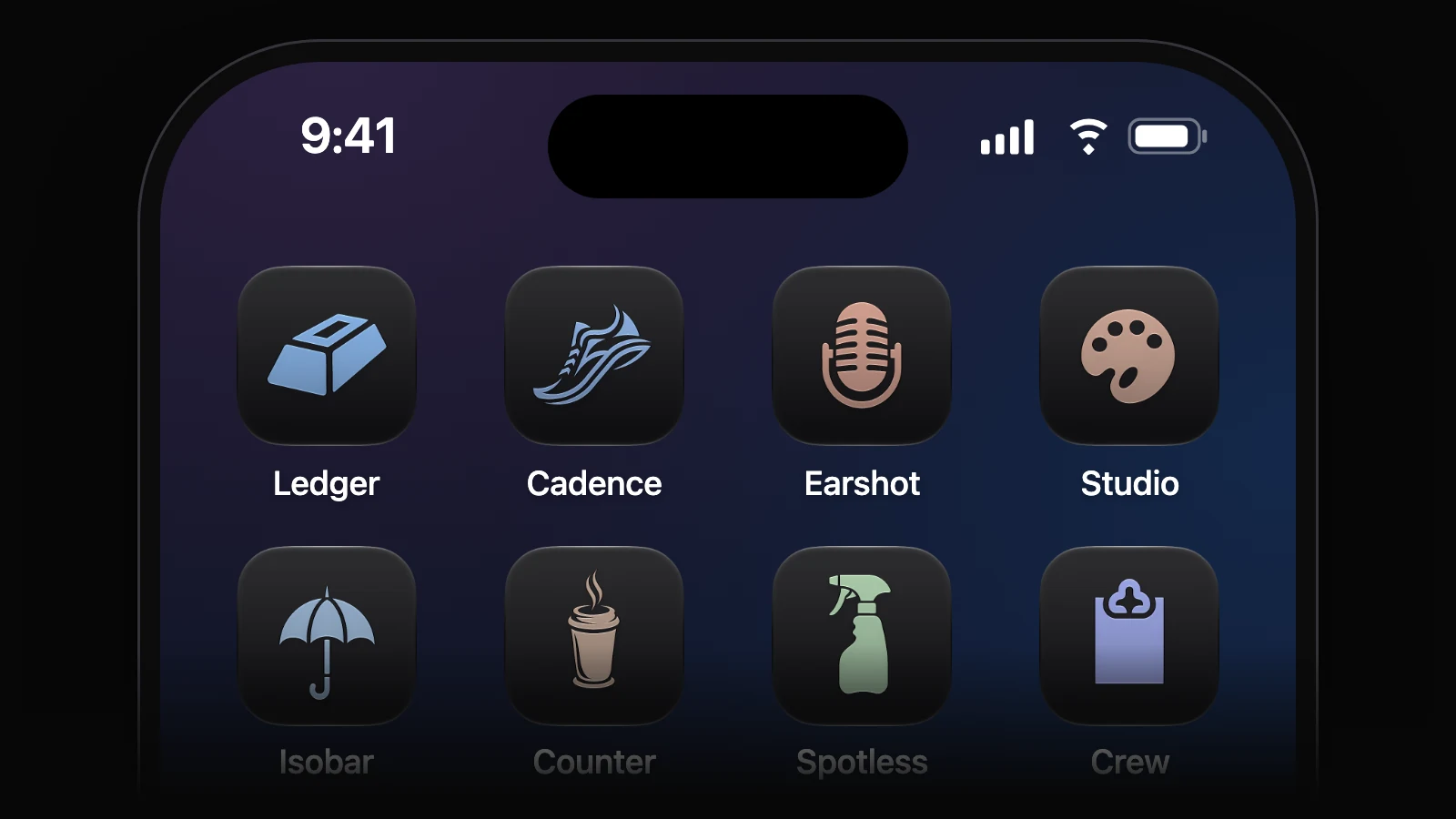
Every app has its own icon

Your app’s first version comes with an icon drawn for it. Pick it, try other ideas or a new style in one drawer, or ask the agent for another.

  • Backend Starter data is added to each table once, and listed like any other rows.
  • Backend Usage shows your app’s live updates as they happen.
  • Threads A thread’s preview shows only its own work. Bring in another thread’s push when you want it.
  • Sign-in Password reset emails, with templates you can edit in Project settings.
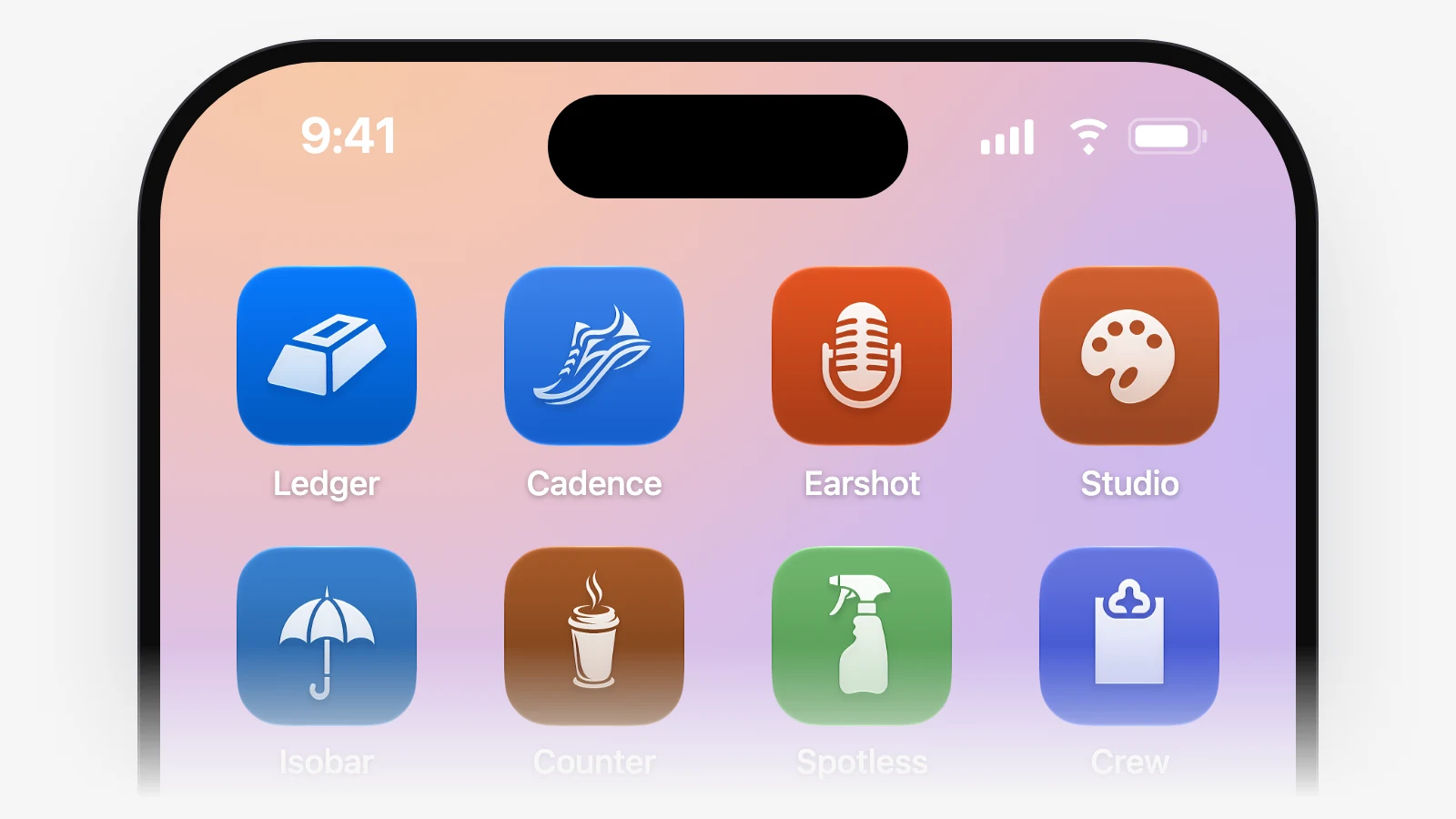
An iPhone home screen in Liquid Glass with Ledger’s drawn icon, a gold bar on blue, first among other apps’ drawn icons.

Every thread gets its own data

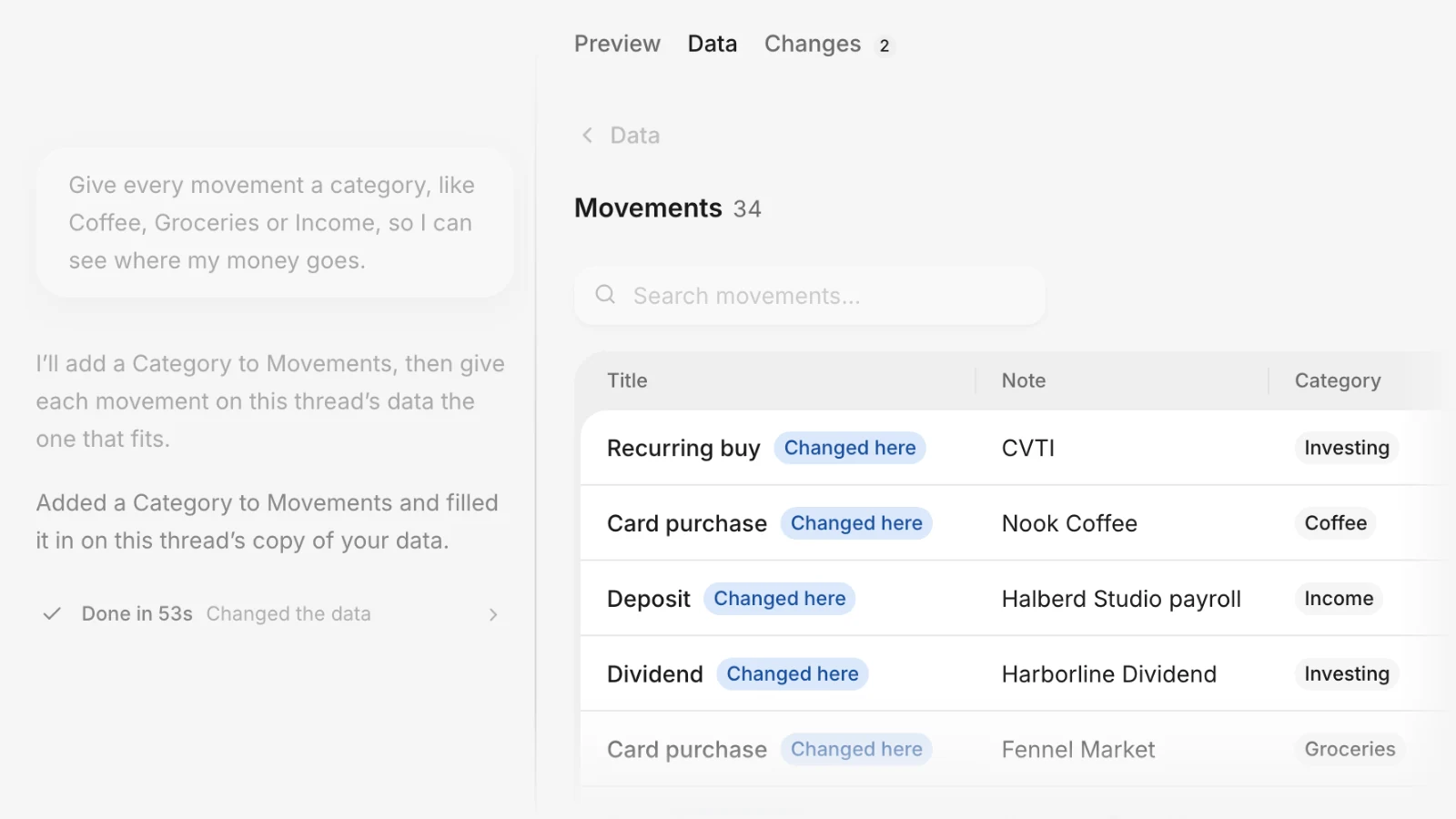
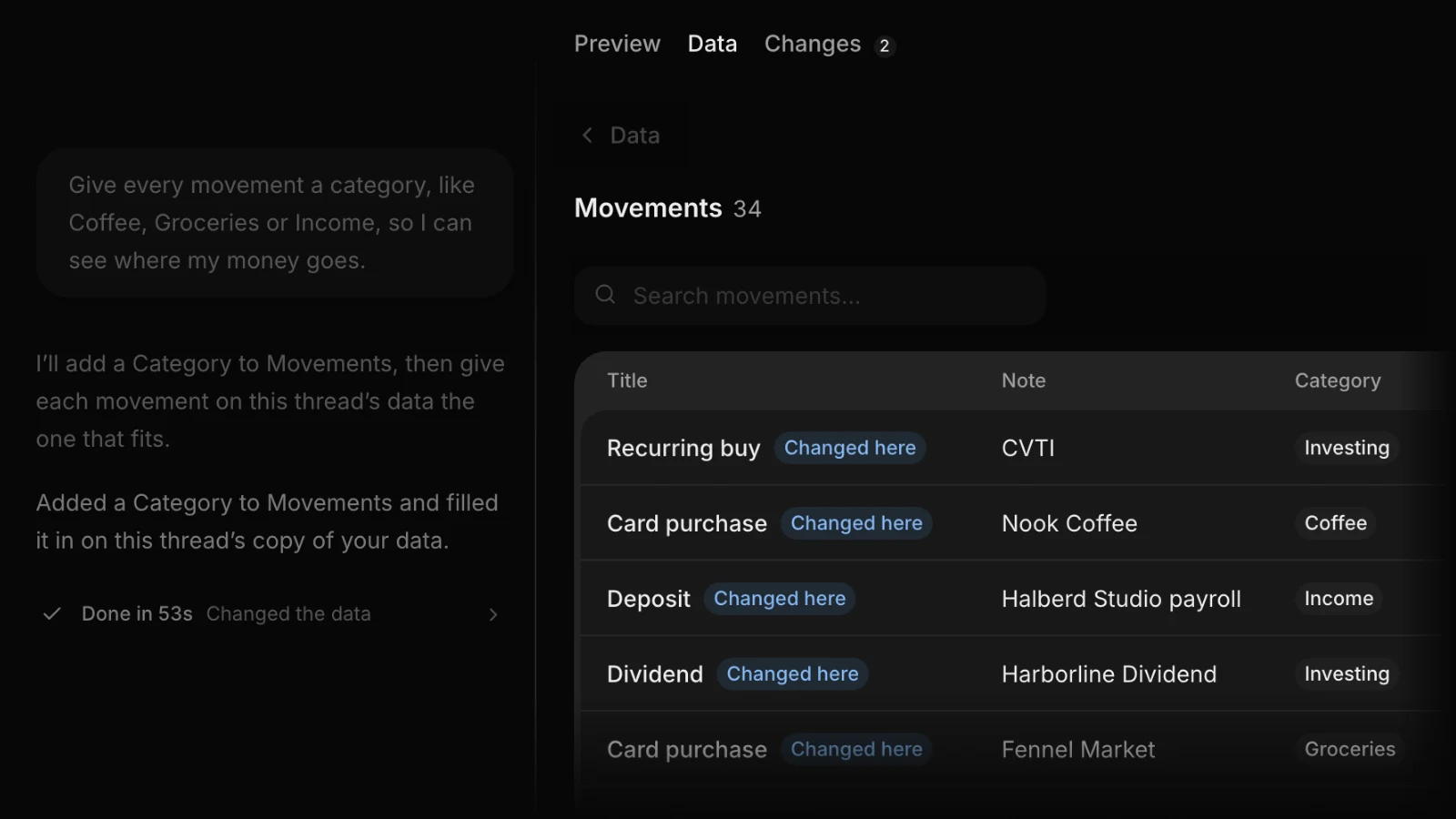
Each thread tries its changes on its own copy of your app’s data, which you can see and edit on the stage’s Data tab. Your app’s live data stays as it is while you try things.

A thread in the personal-finance app Ledger beside its stage’s Data tab, where the thread’s own copy of Movements has a new Category column filled in: Nook Coffee as Coffee, the Halberd Studio payroll deposit as Income, a CVTI recurring buy as Investing, each row marked Changed here.

See what changed after every turn

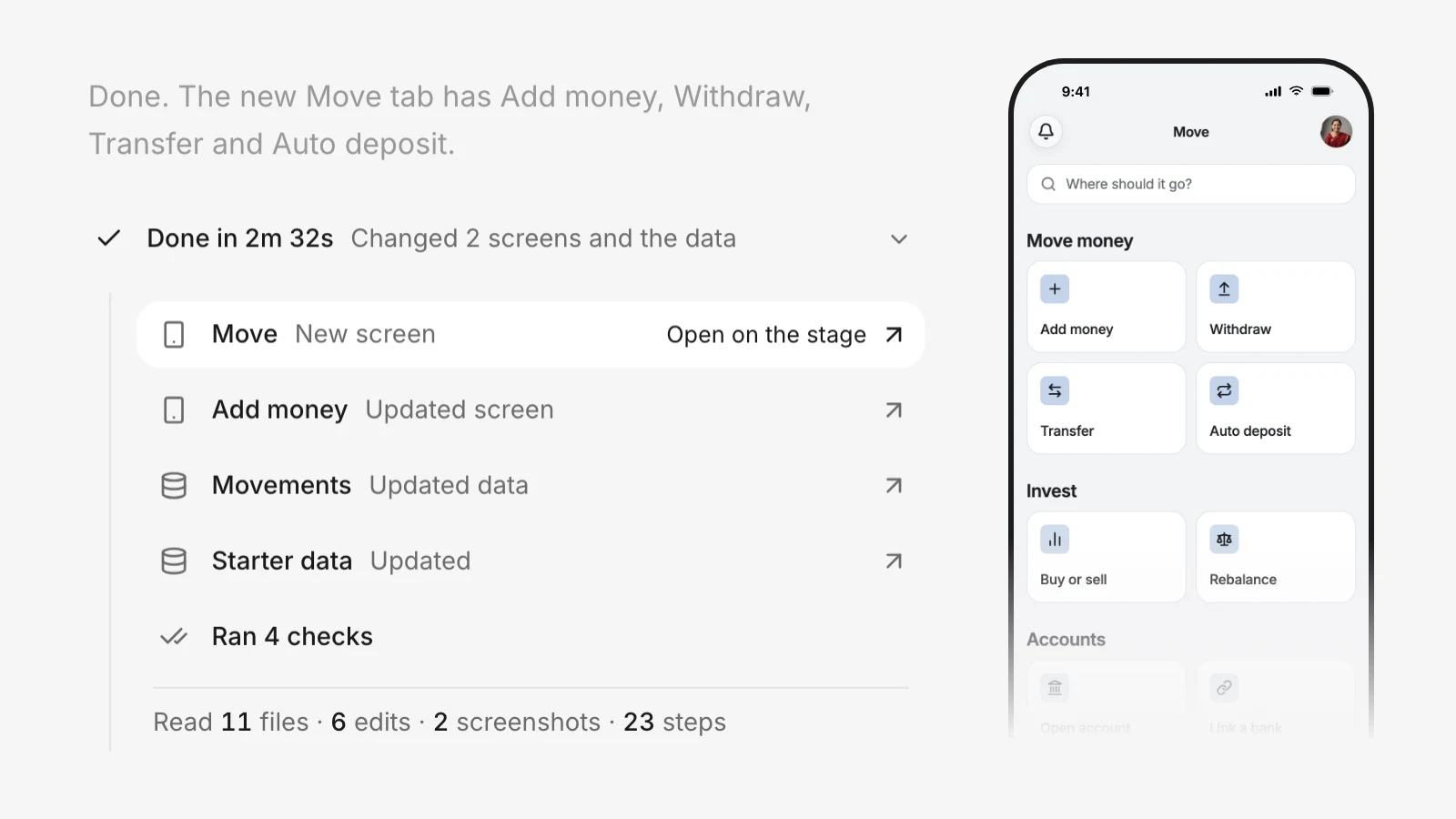
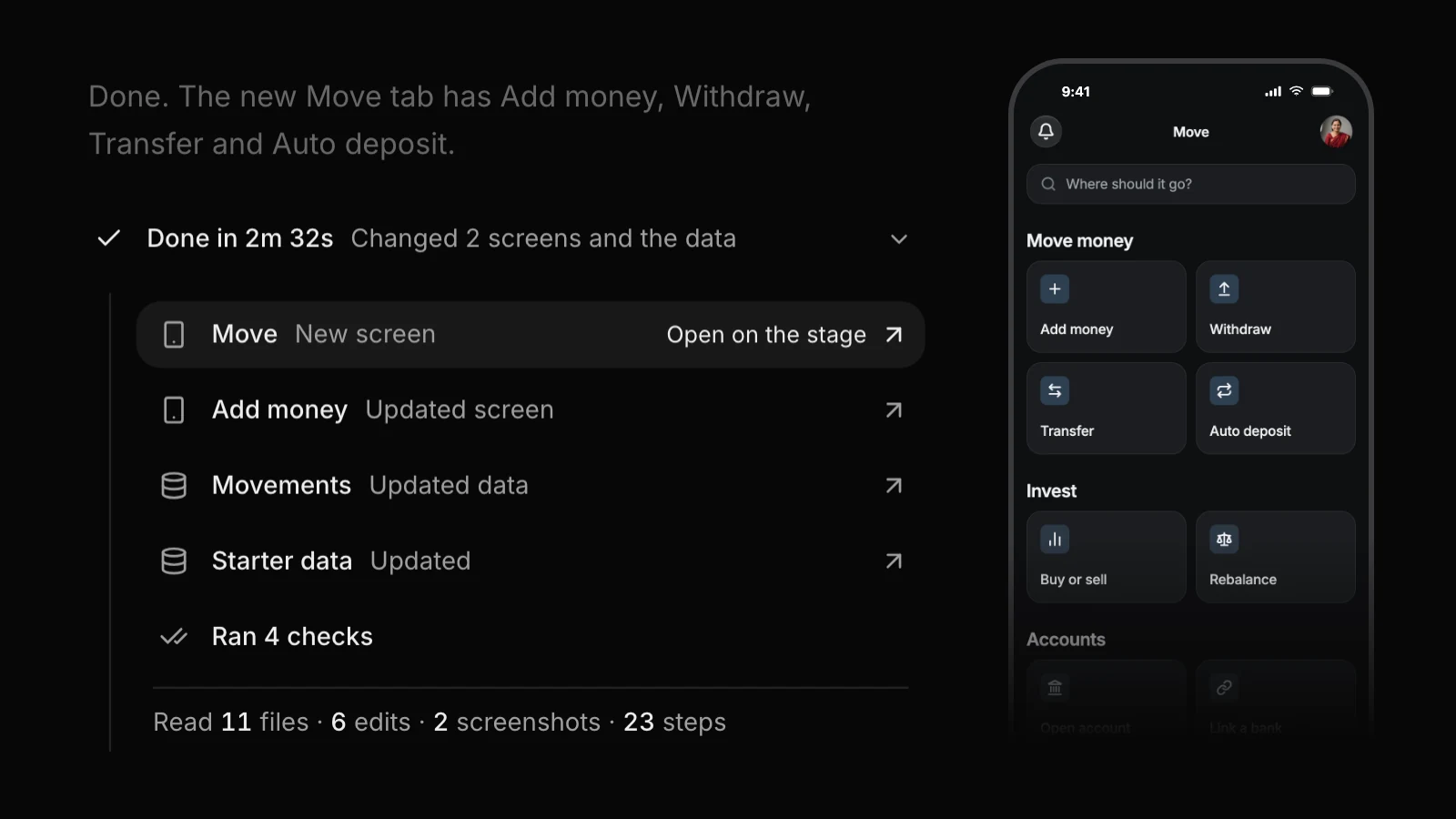
Each turn ends with a short summary in your app’s words: a row for every screen and table it touched, one click from where it lives.

  • Preview The preview says when it runs on a copy of your app’s data, and a push that removes data asks first.
  • Preview One pill above the phone says when changes are on their way.
  • Choices Options the agent offers open on the stage, so you see them before you pick.
  • Milestones A small celebration for your first app, first push and first day on the App Store.
A finished turn’s summary in Ledger, with Move as a new screen, Add money updated, Movements and starter data updated and four checks run, beside the new Move screen.

A picture of every screen

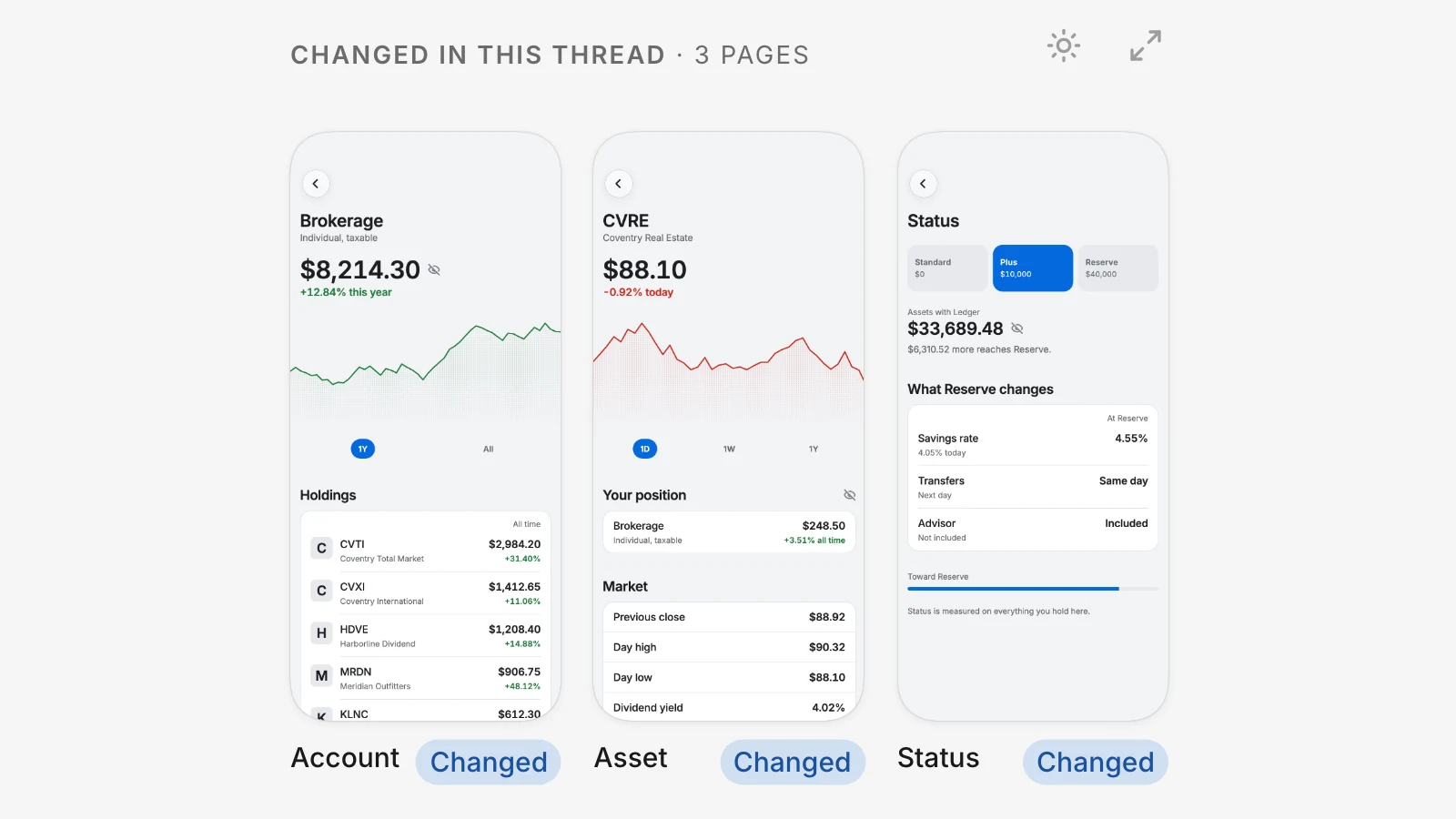
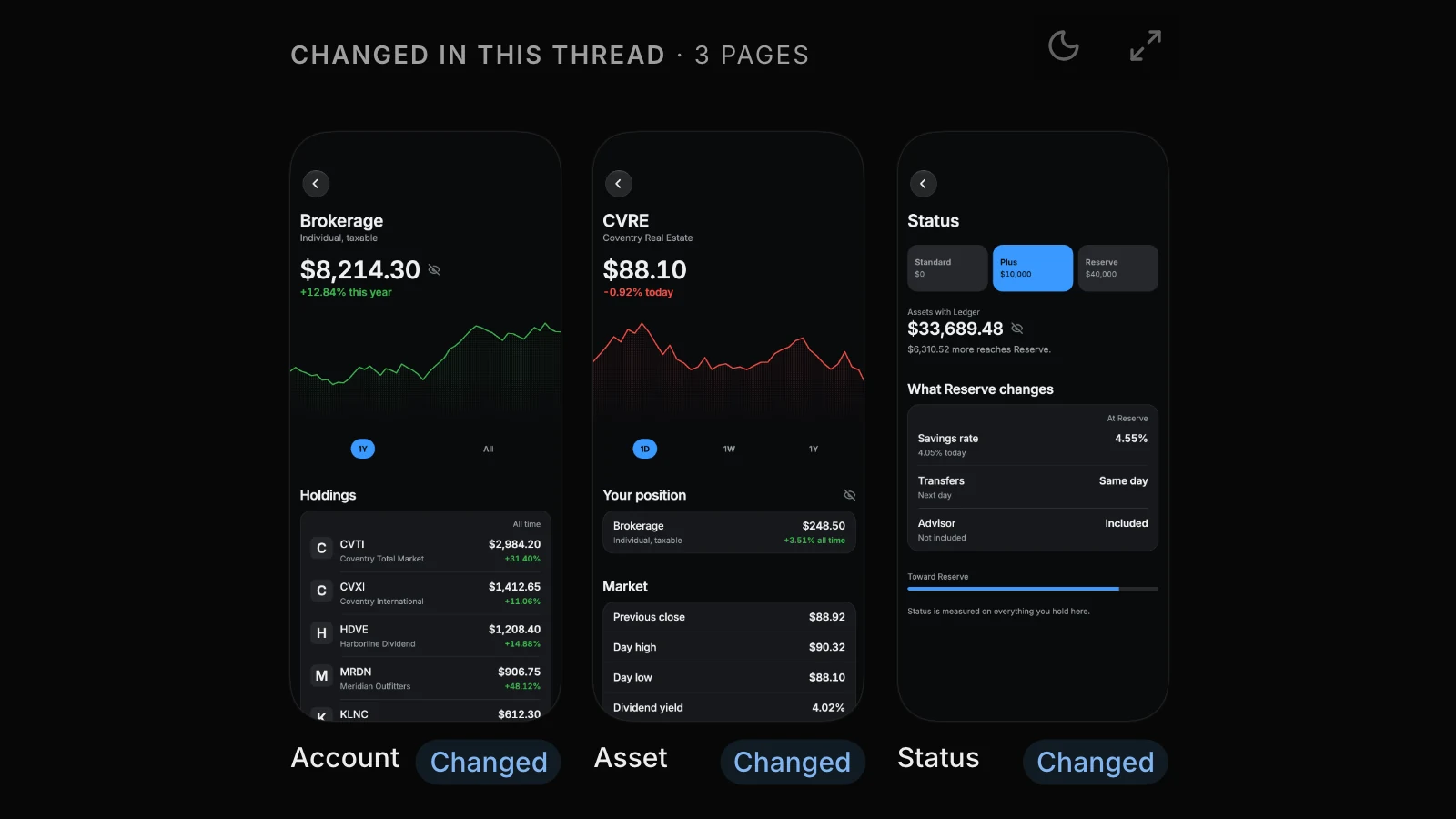
The stage has a Screens tab: every screen in your app as a picture, in light and dark, with the ones a thread changed marked.

  • Ideas Starters to begin from, and a suggestion for what’s next after each turn.
  • Threads Tell us how the agent did, with three faces above the composer.
  • Push When two threads changed the same thing, Push asks which to keep.
The Screens view with Ledger’s Account, Asset and Status screens as pictures under Changed in this thread, each marked Changed.

Threads, grouped by who moves next

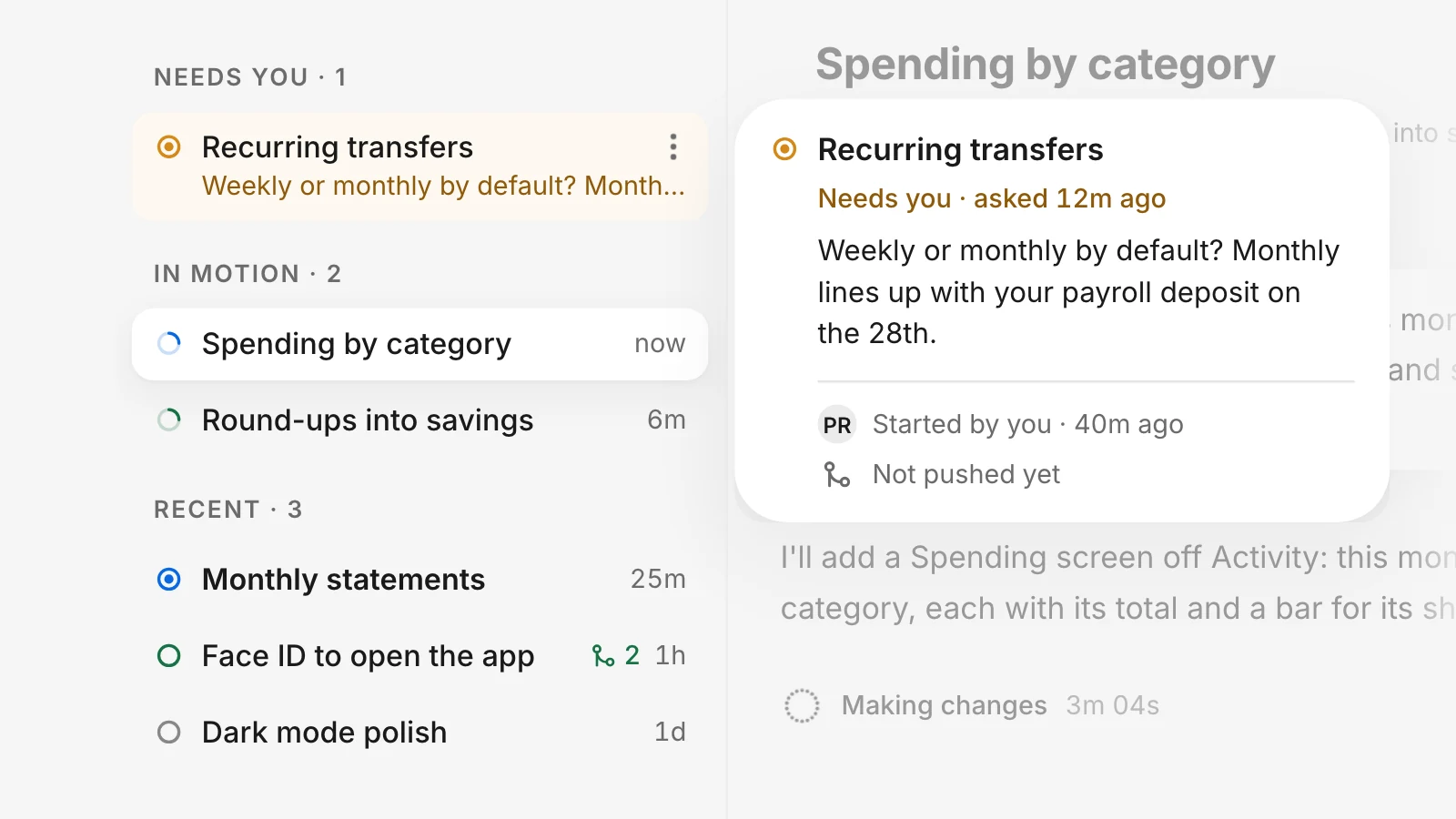
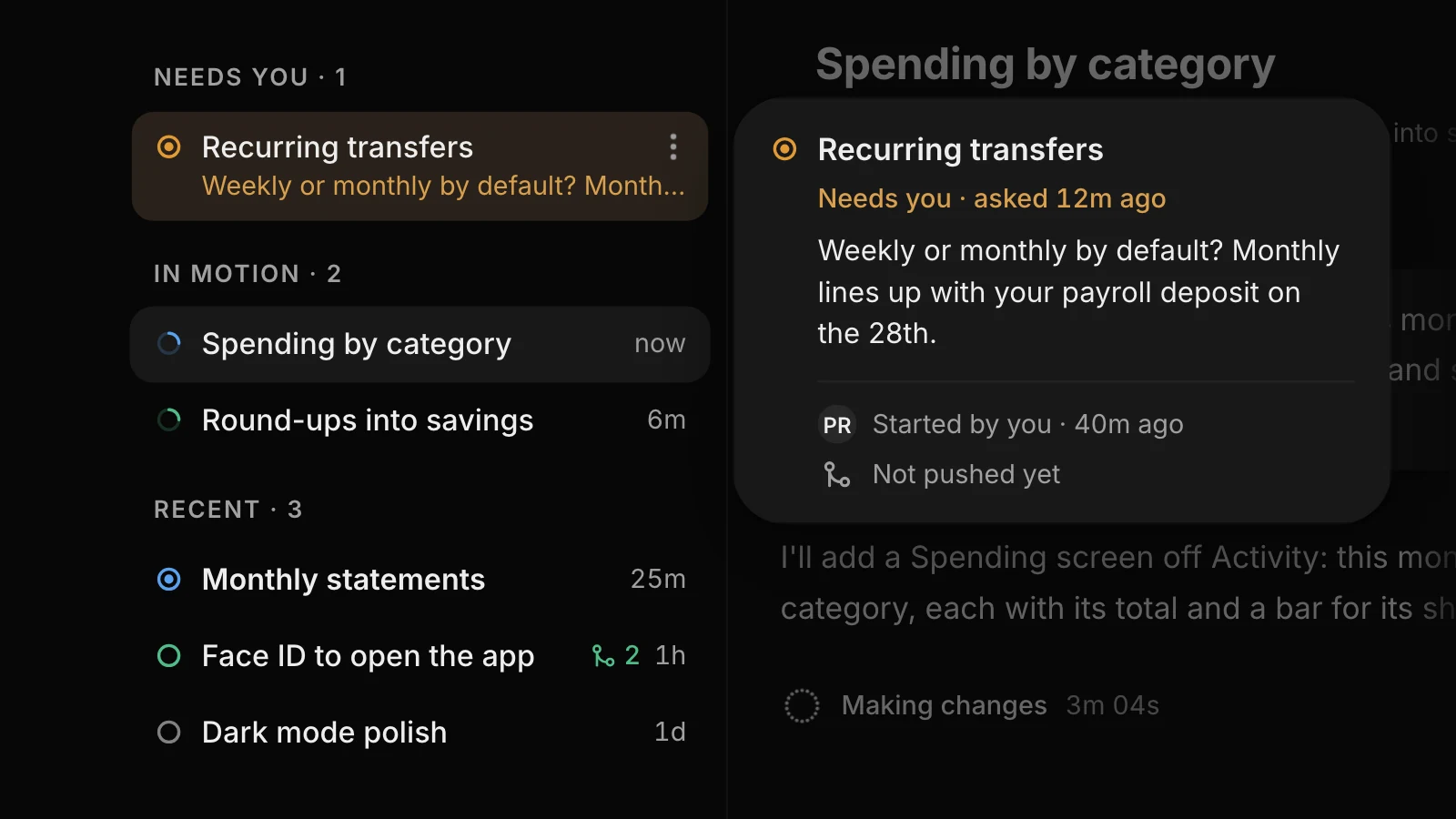
Your threads sit beside the conversation, grouped into Needs you, In motion and Recent. A ring shows where each one stands, and hovering shows the rest.

Ledger’s thread list grouped by who moves next: Recurring transfers under Needs you with its question, Spending by category and Round-ups into savings in motion, and Monthly statements, Face ID to open the app (pushed twice) and Dark mode polish under Recent, with a hover card beside Recurring transfers showing its full question.

A new Backend tab

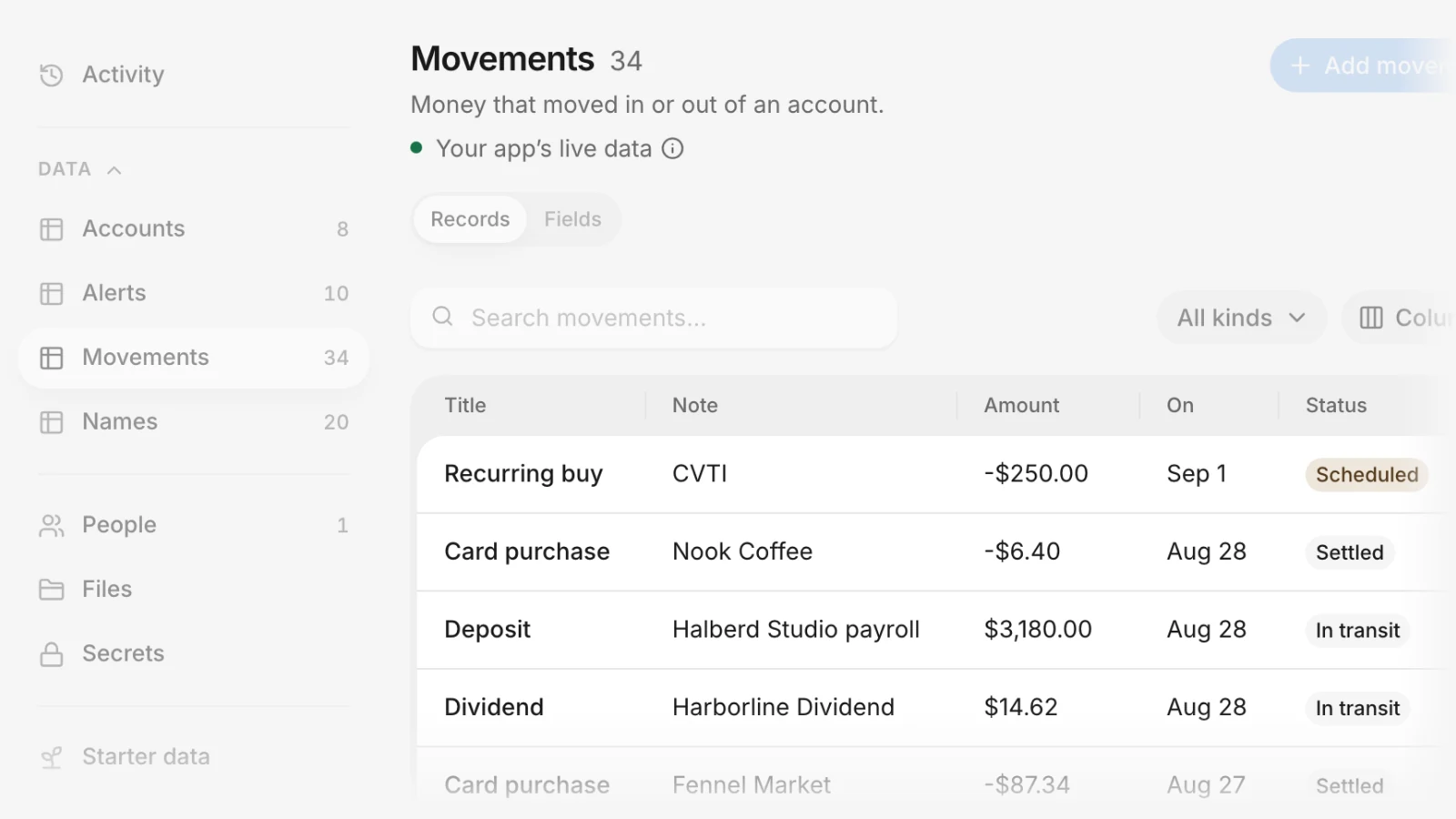
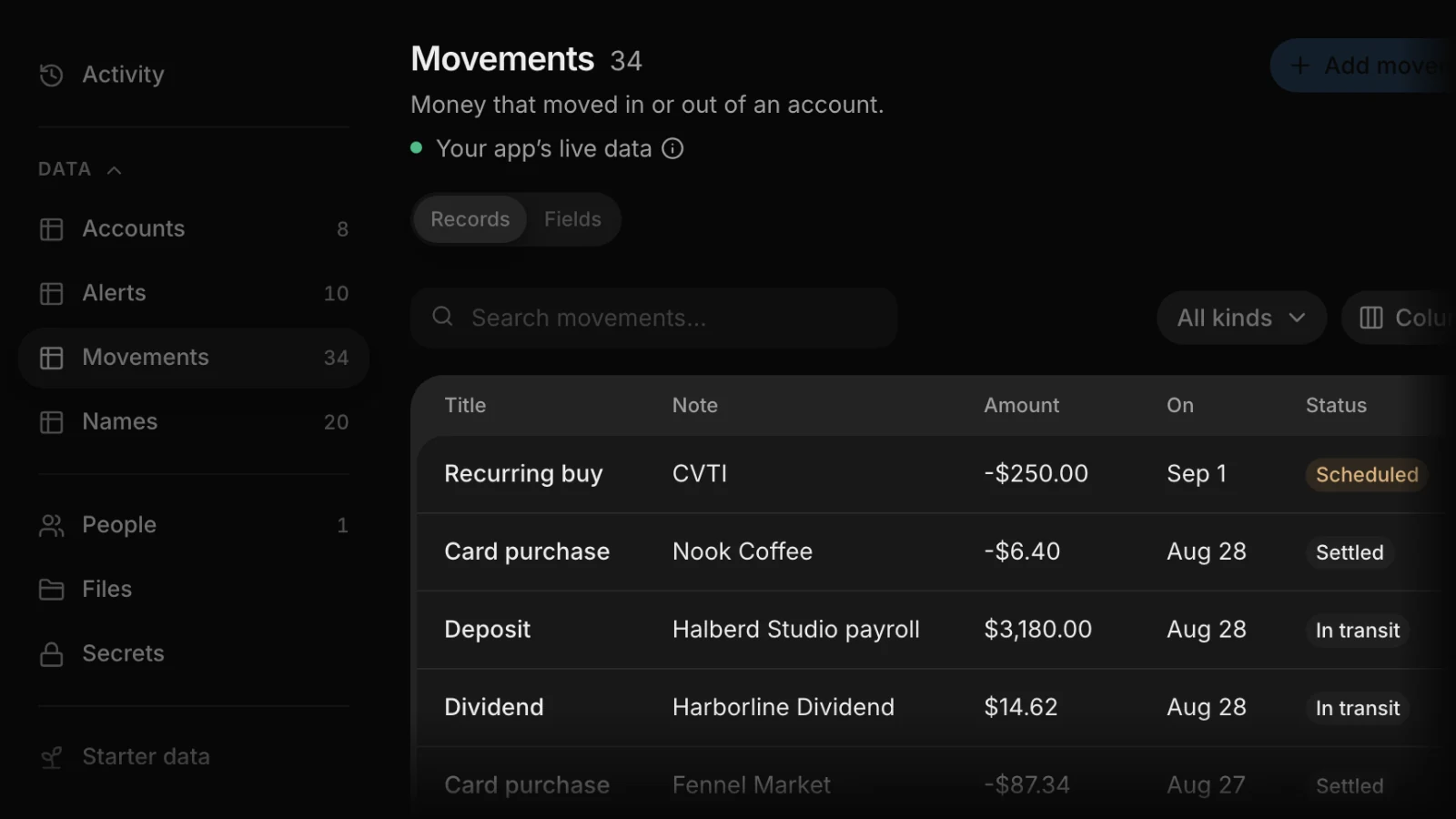
Your app’s data in one place: an overview, a log of backend changes, tables you can edit, People, Files, Secrets and Usage.

  • Connections Connect an outside service once, and use it from chat and from your app.
  • Feedback Send feedback from the account menu, ⌘K or the rail.
The Backend tab in Ledger, with its tables in the side menu and the Movements table’s live rows, from a $6.40 card purchase at Nook Coffee to a $3,180.00 payroll deposit.

Try what’s new