FlutterFlow or FlutterFlow Studio?
Some people want AI to do more. Some people want their hands on every detail. FlutterFlow now gives you both.
How do you want to build?
A spectrum from More hands-on, where FlutterFlow Studio sits, to More AI-led, where FlutterFlow sits.
Most builders fall somewhere in between.
- FlutterFlow Studio
Use Studio if you want your hands on the details.
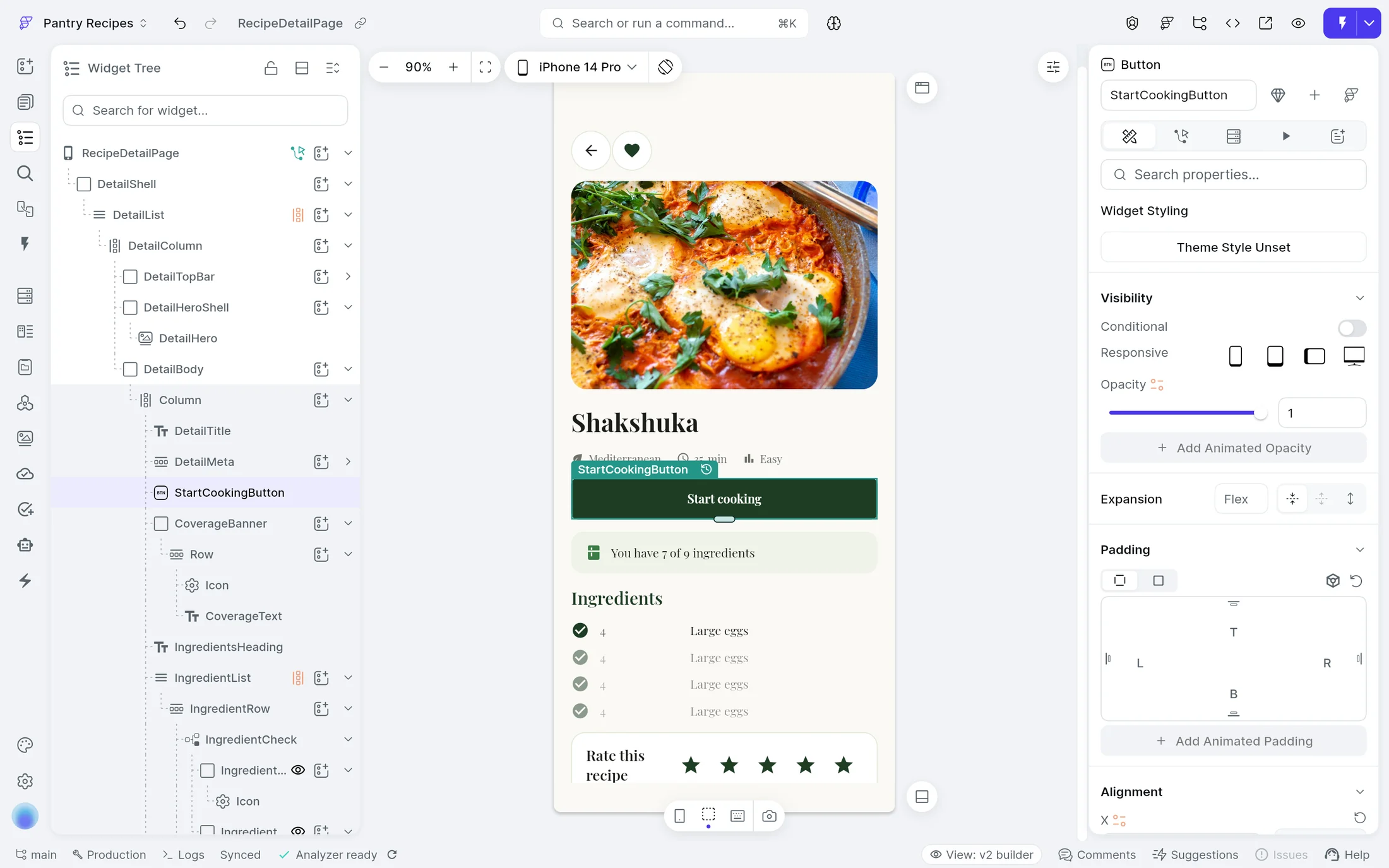
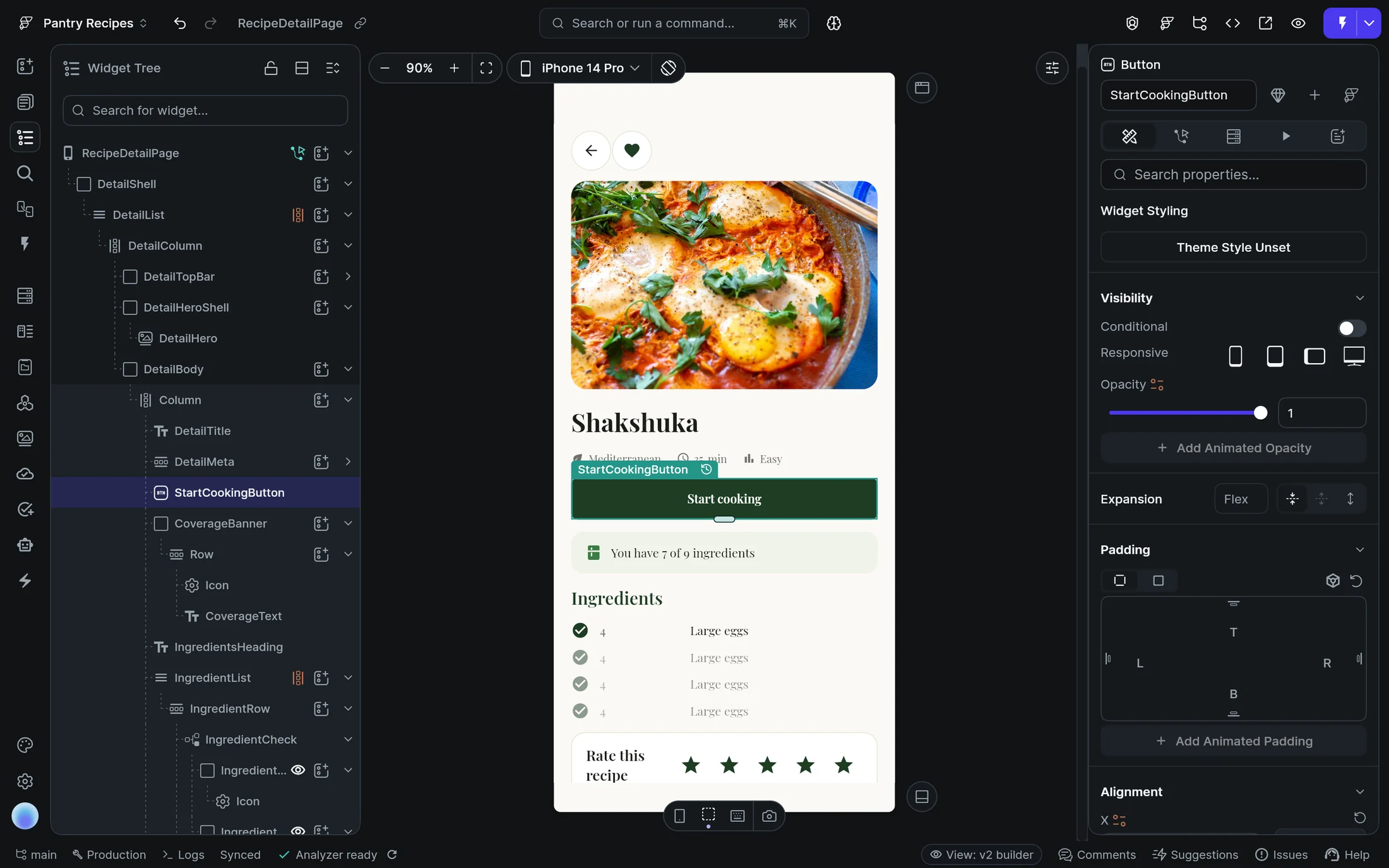
You want to see how your app is put together. You want to move the button yourself rather than explain where it should move. You want to inspect the logic, wire up the data, and control exactly how the interface behaves. When the visual builder is not enough, you want access to code.
Open StudioGut check
- Do you want to directly manipulate your UI?
- Do you care about exactly how logic and state are structured?
If yes, start with FlutterFlow Studio.
- FlutterFlow
Use FlutterFlow if you want AI to do more of the building.
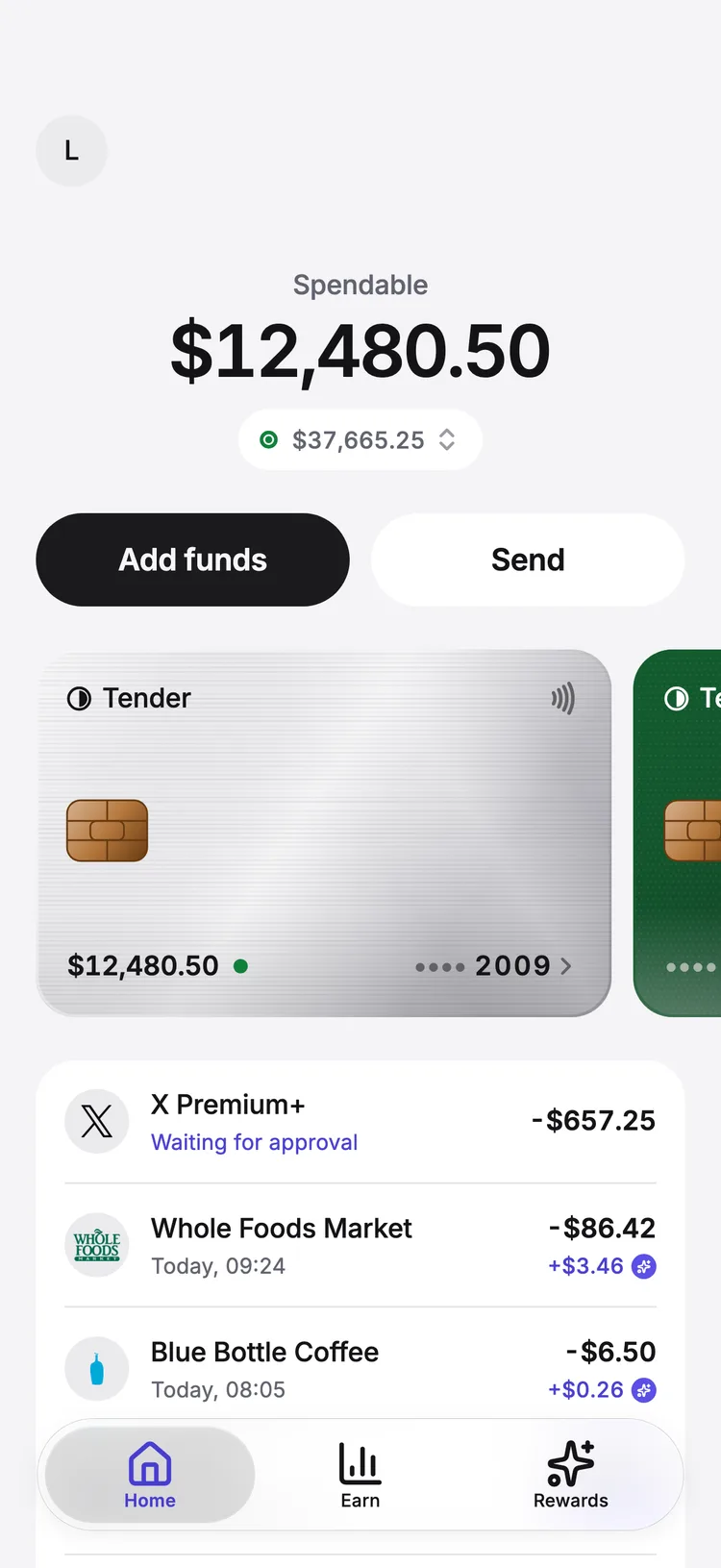
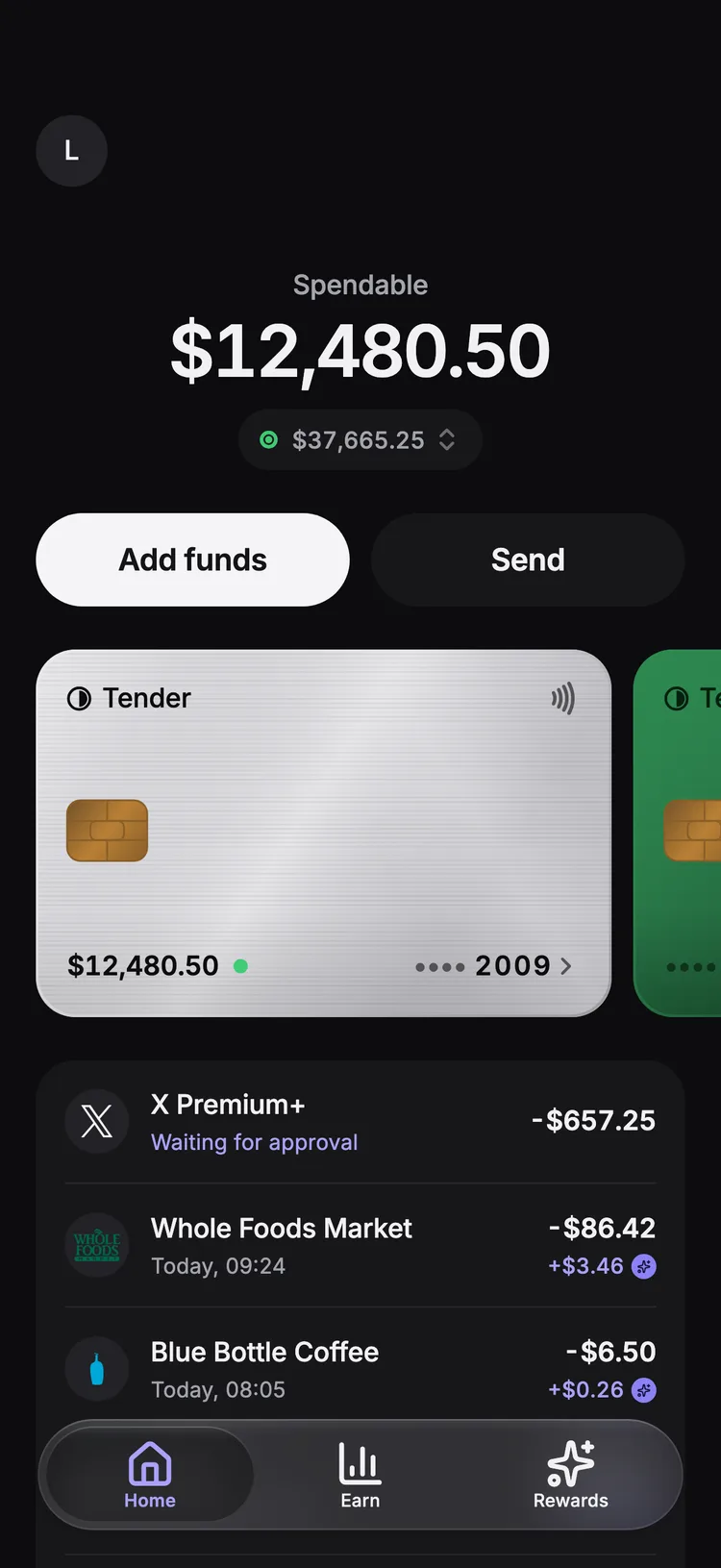
You have an idea for an app. You want to describe what it should do, see it take shape, and keep moving. You are comfortable letting AI handle more of the implementation while you make the important product decisions.
Start building in FlutterFlowGut check
- Do you want to start by describing your idea rather than laying out your first screen?
- Would you rather tell FlutterFlow what should change than configure every property yourself?
- Is your priority getting the app built and launched?
If yes, start with FlutterFlow.
Compare
Both get your app into people’s hands. What changes at each stage is how much of the implementation you hand to AI.
| Stage | FlutterFlow | FlutterFlow Studio |
|---|---|---|
| Starting | FlutterFlow Describe the app. FlutterFlow plans it and builds the first version. | FlutterFlow Studio Start from a template or a blank screen, then build and make changes yourself. |
| Screens | FlutterFlow The agent builds each screen. Make changes with the agent in your threads. | FlutterFlow Studio AI can generate a page to start from, or place and arrange the widgets yourself. |
| Logic | FlutterFlow Describe how it should behave, and the agent writes it. | FlutterFlow Studio Wire actions, conditions and API calls in the Action Flow Editor. |
| Data and backend | FlutterFlow A managed database, sign-in and file storage, set up as the app needs them. | FlutterFlow Studio Connect Firebase, Supabase or your own APIs, and query them from any widget. |
| Analytics | FlutterFlow See sign-ups on your app’s Overview. Full analytics are on the way. | FlutterFlow Studio Log events to Firebase Analytics from your app’s actions. |
| Code | FlutterFlow The agent writes the code, and changes it when you ask. | FlutterFlow Studio Add custom code and packages, and download the Flutter code. |
| Testing | FlutterFlow Try each change in Preview and on your own phone. | FlutterFlow Studio Test Mode, Local Run, and Test Pilot, which tests your app with AI. |
| Shipping | FlutterFlow Publish to the App Store and Google Play. | FlutterFlow Studio Publish to the App Store and Google Play, and to the web. |
Questions
For everyone who already builds in FlutterFlow: what the new name means, and what stays the same.
Why is the FlutterFlow I already use now called FlutterFlow Studio?
We’re introducing a new AI-native app builder under the FlutterFlow name. The visual builder you already use is now called FlutterFlow Studio. It’s the same platform, just with a new name. Your existing projects and workflow remain in Studio.
About FlutterFlow StudioIs Studio going away?
No. FlutterFlow Studio remains an actively developed and supported product. The new FlutterFlow offers an additional, AI-first way to build apps.
What happens to my existing projects?
Your existing projects remain in FlutterFlow Studio. You can continue working on them as you do today. You don’t need to migrate, recreate, or modify your projects because of the name change.
Should I keep using Studio for new projects?
Yes, if you prefer building visually and working directly with your app. Studio remains a good choice for new projects, especially when you want hands-on control over your UI, logic, integrations, and code.
Will FlutterFlow Studio continue receiving new features and updates?
Yes. We’re continuing to develop, improve, and support FlutterFlow Studio.
See the latest releasesWhat can FlutterFlow do that Studio cannot?
FlutterFlow is built around an AI agent that can take your instructions and work on the app for you. Instead of configuring each part of your app yourself, you can describe the result you want and iterate through conversation.
What can Studio do that FlutterFlow cannot?
FlutterFlow Studio gives you direct control over your app’s implementation. You can build visually, work directly with your UI, logic, data, and behavior, connect APIs and integrations, and add custom code and packages. Studio also supports Flutter code export and web apps.
Can a project move between FlutterFlow and Studio?
No. Projects cannot currently be transferred between FlutterFlow and FlutterFlow Studio.
How do pricing and credits work across the two?
One subscription gives you access to FlutterFlow, FlutterFlow Studio, and FlutterFlow Designer. Each subscription tier includes a monthly allocation of AI credits that can be used across FlutterFlow and credit-based AI features in FlutterFlow Studio. The features and credit allowances available depend on your subscription tier.
See pricingStill have a question?
Read the Studio FAQ