





FlutterFlow’s visual builder is now FlutterFlow Studio. Everything you’ve built is right where you left it. What’s changing

FlutterFlow Studio

Work directly with your app through the visual builder, AI, logic, integrations, and code when you need it.

Open Studio
app.flutterflow.io
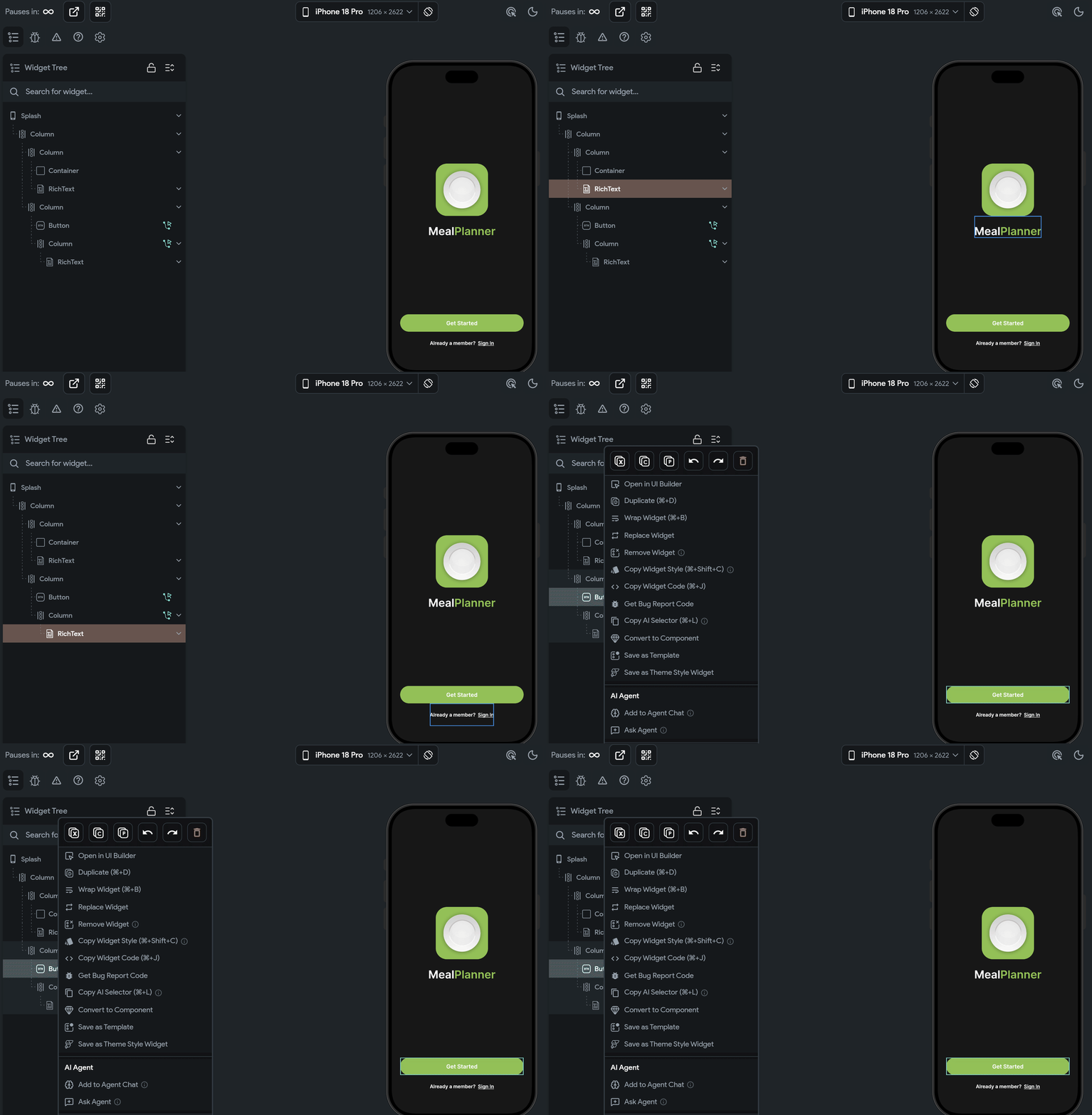
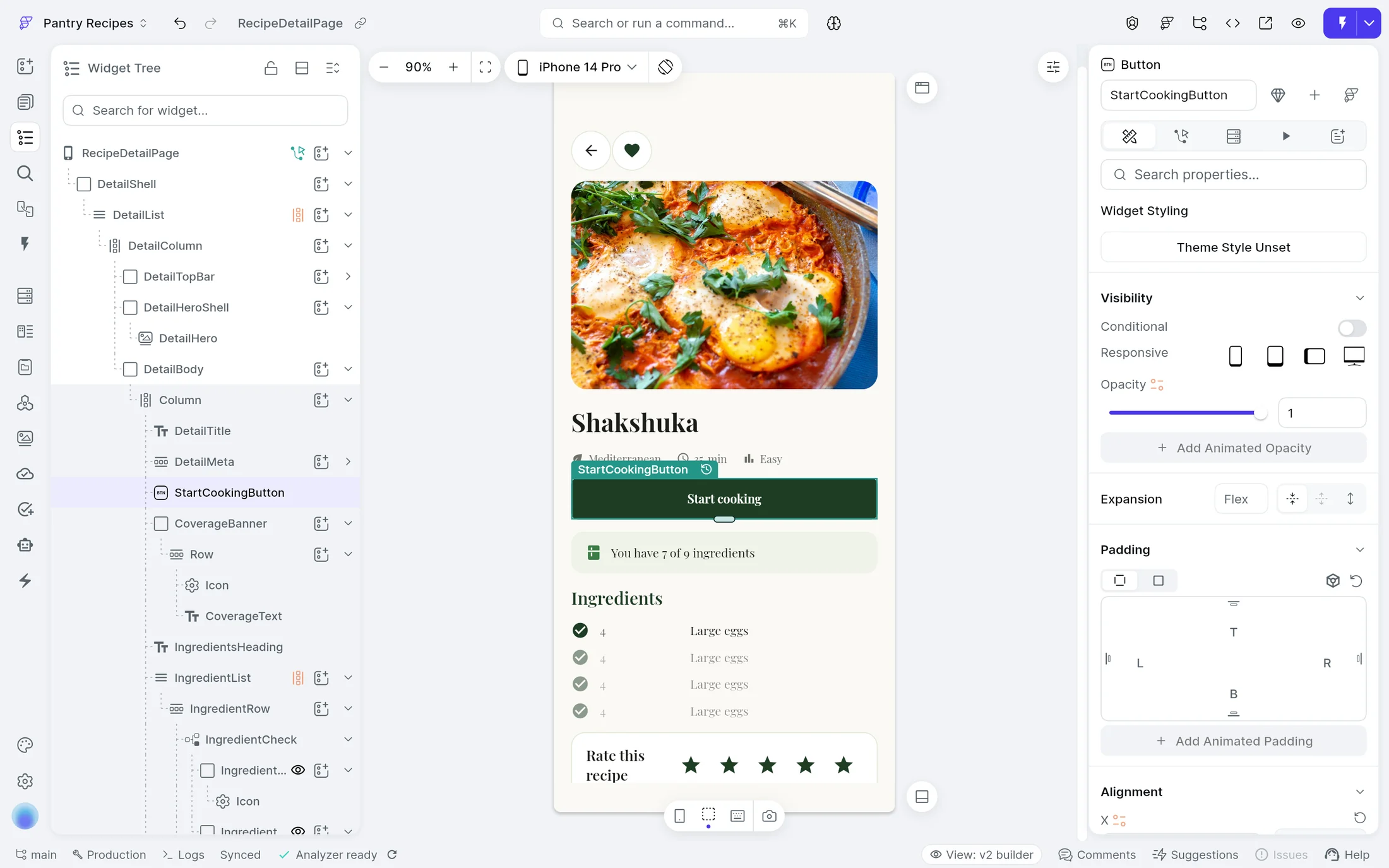
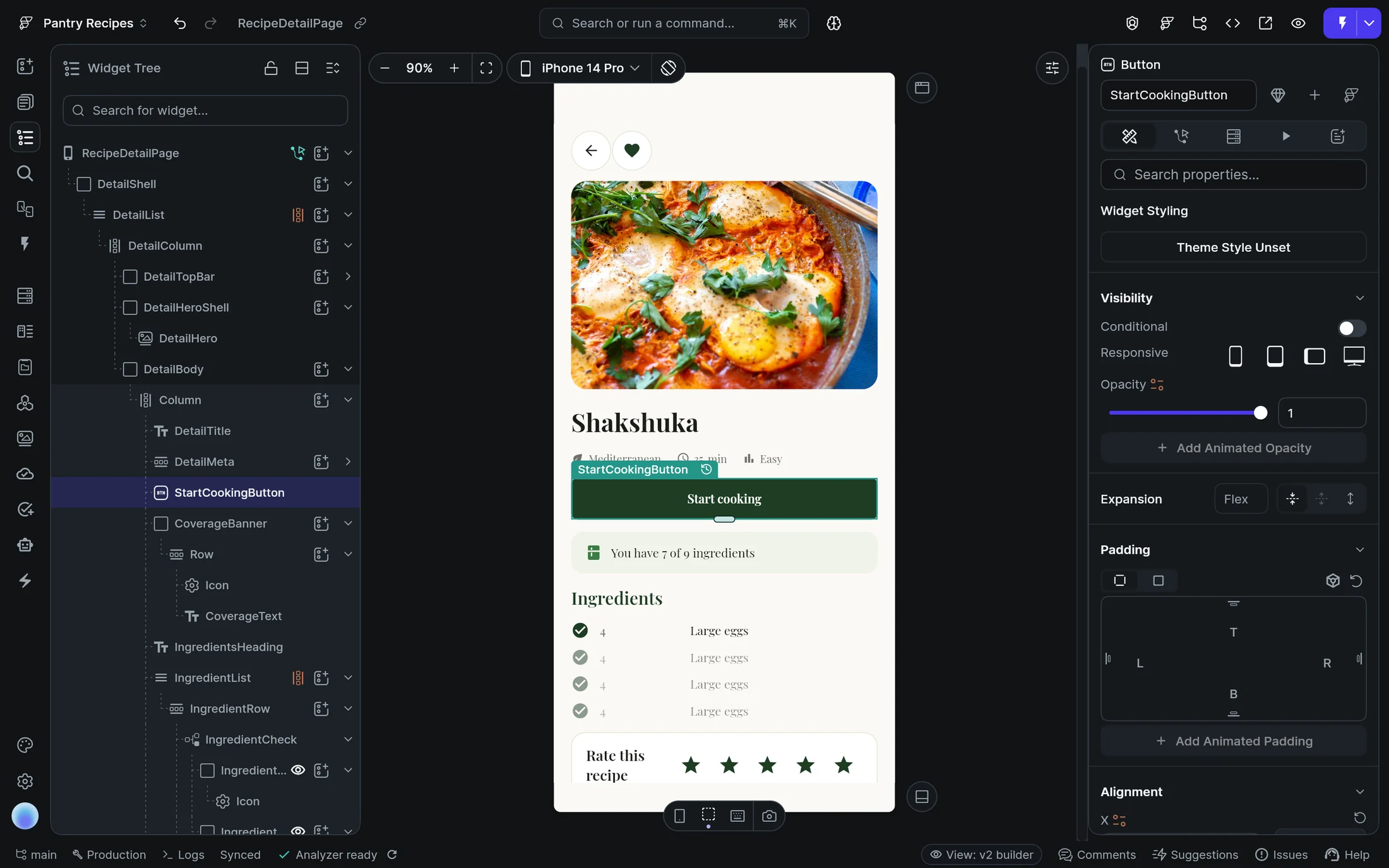
FlutterFlow Studio’s editor on Pantry Recipes’ RecipeDetailPage: a new Start cooking button selected on the canvas, in the widget tree and in its propertiesFlutterFlow Studio’s editor on Pantry Recipes’ RecipeDetailPage: a new Start cooking button selected on the canvas, in the widget tree and in its properties

Logic

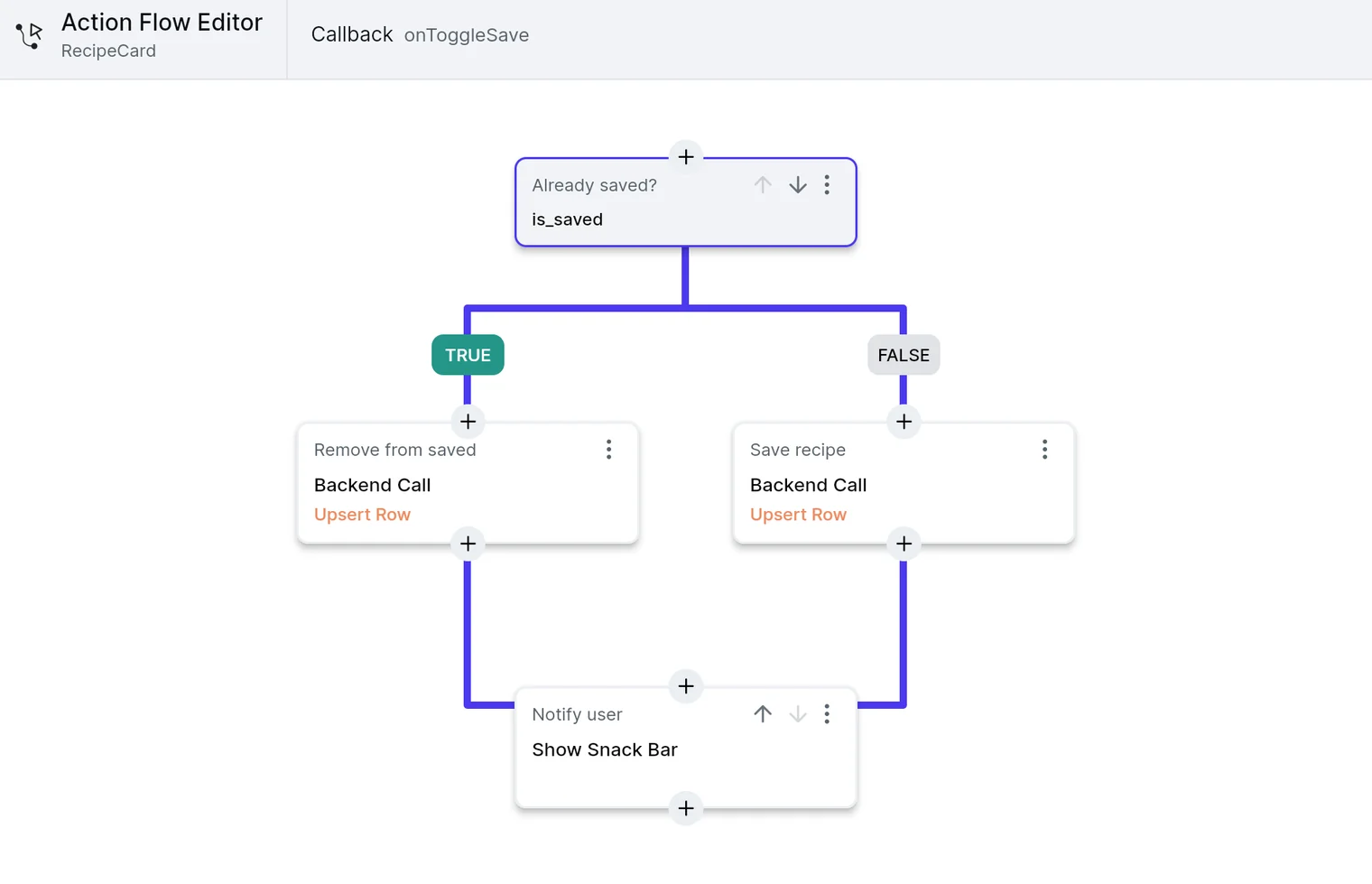
Select a widget and build what it does in the Action Flow Editor: API calls, conditions, state and navigation. Then run it in Test Mode and try it.

app.flutterflow.io
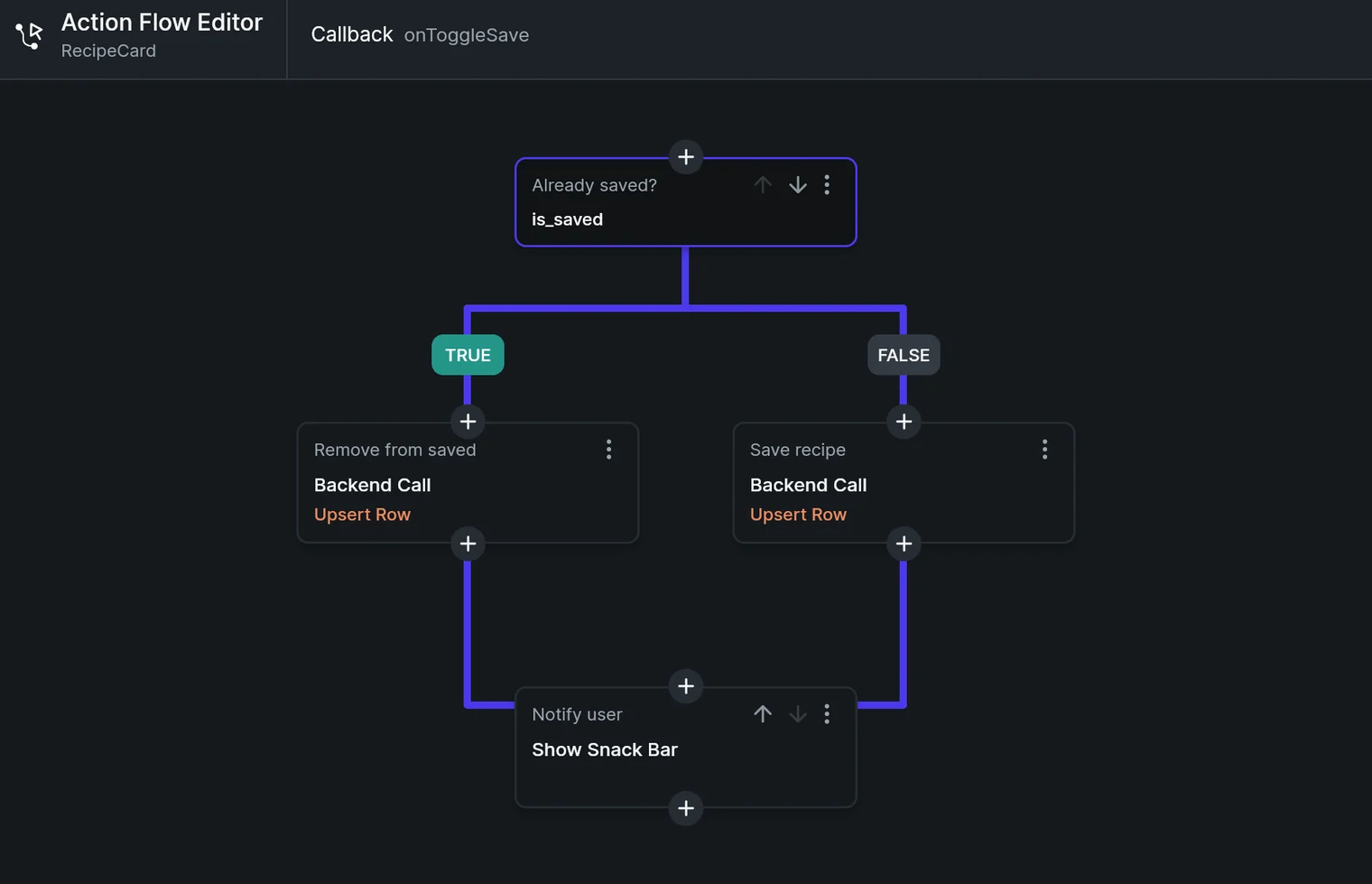
Studio’s Action Flow Editor on RecipeCard’s onToggleSave callback: an Already saved? condition on is_saved runs Remove from saved when true and Save recipe when false, each a Backend Call that upserts a row, then Notify user shows a snack barStudio’s Action Flow Editor on RecipeCard’s onToggleSave callback: an Already saved? condition on is_saved runs Remove from saved when true and Save recipe when false, each a Backend Call that upserts a row, then Notify user shows a snack bar
app.flutterflow.io
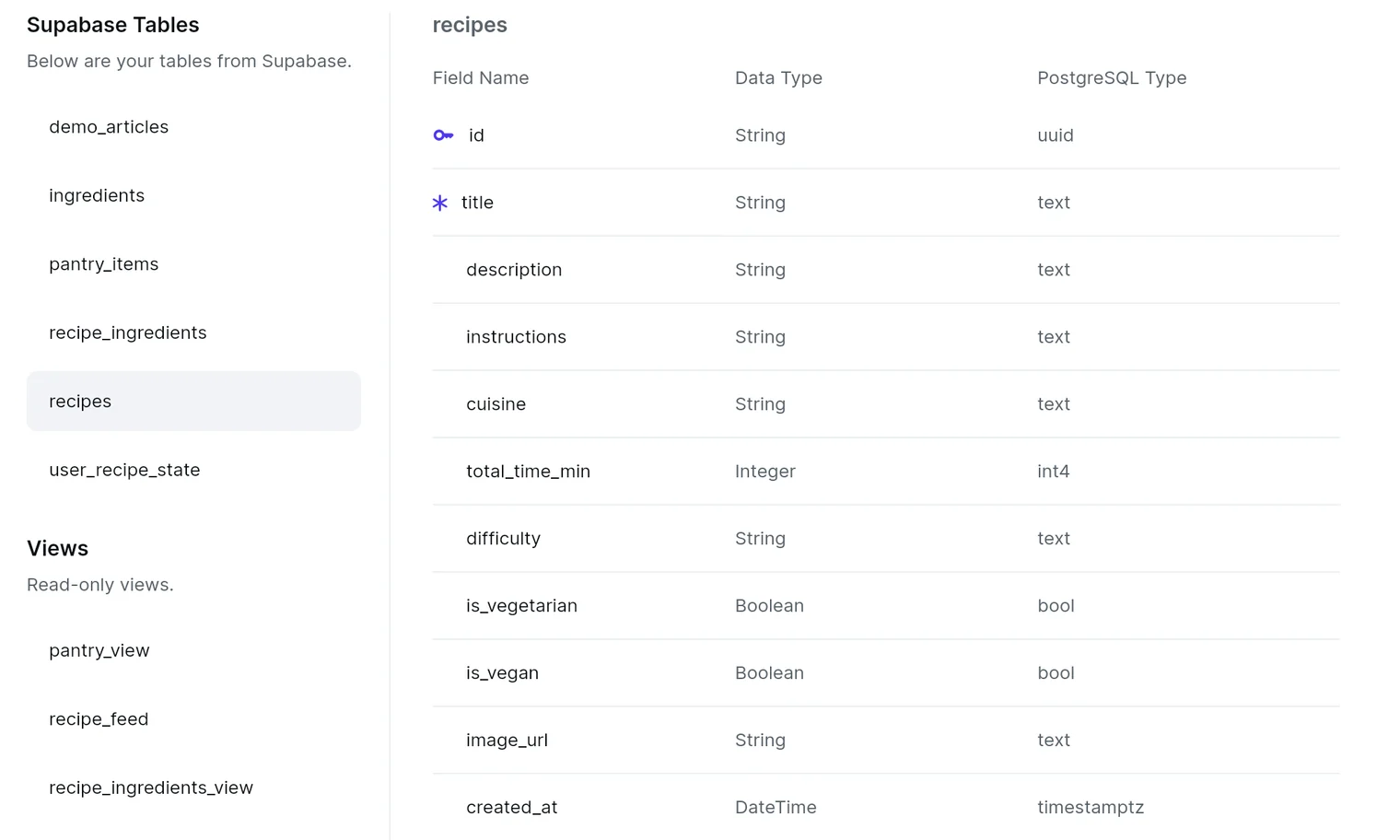
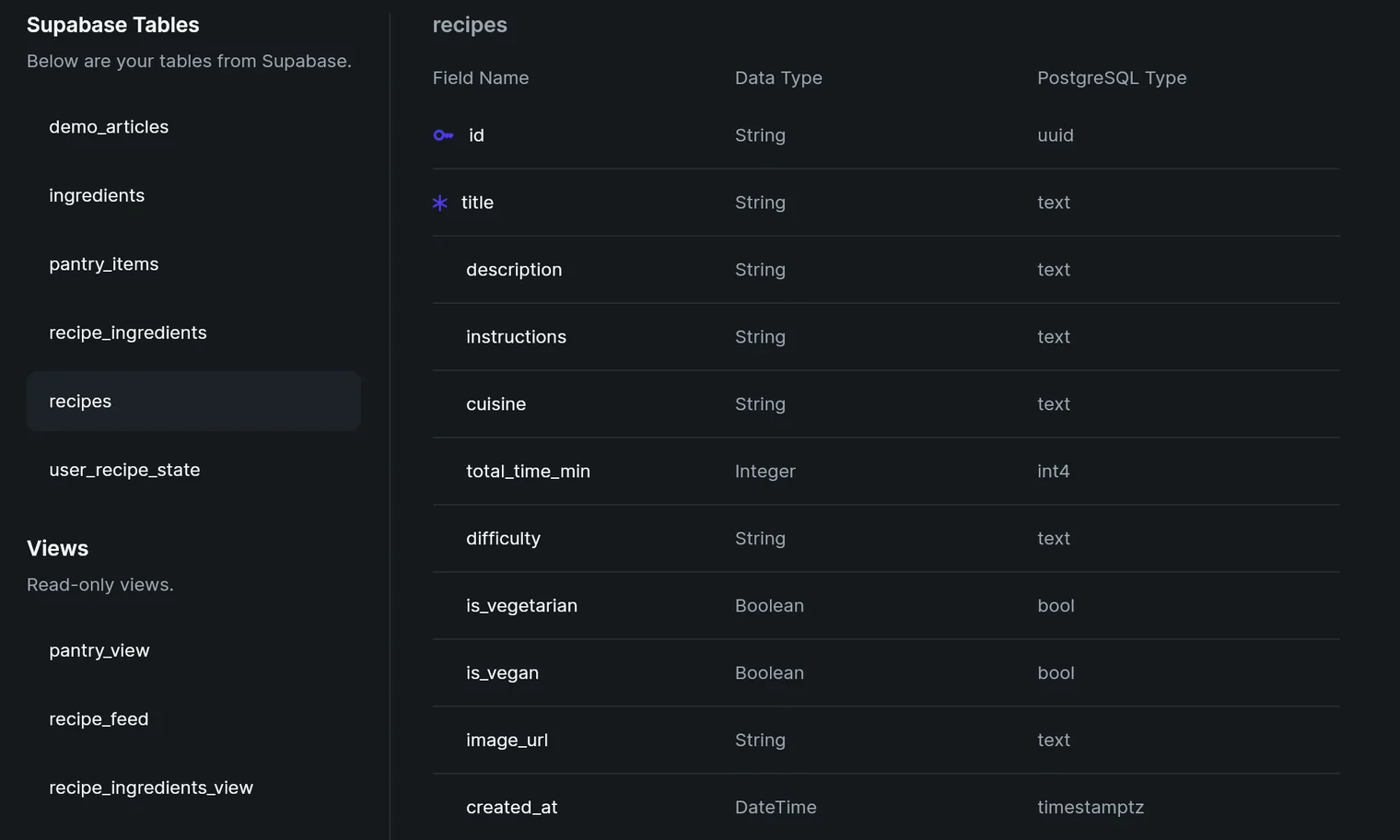
Studio’s Supabase Tables for Pantry Recipes: its tables and read-only views, with the recipes table’s fields, data types and PostgreSQL typesStudio’s Supabase Tables for Pantry Recipes: its tables and read-only views, with the recipes table’s fields, data types and PostgreSQL types

AI

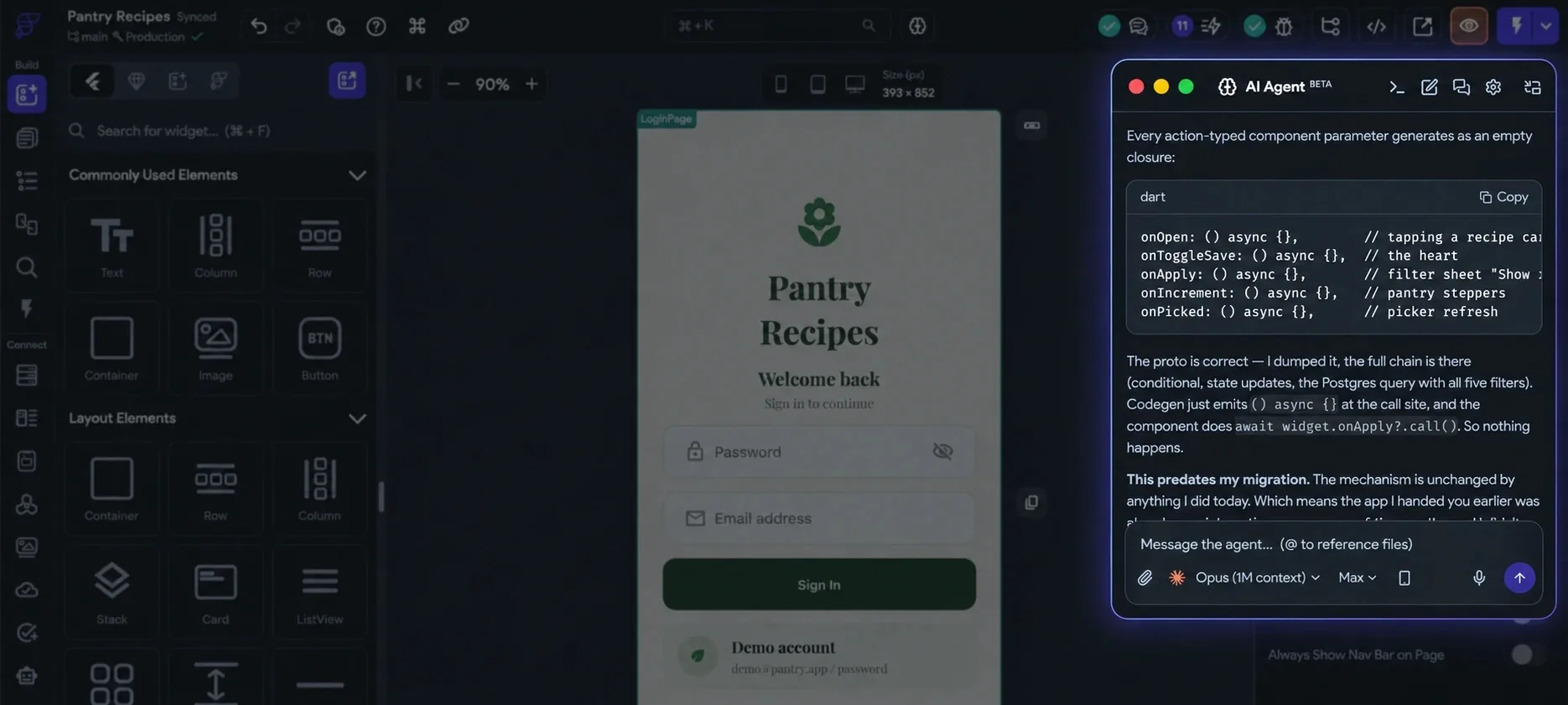
Bring your own Claude, Codex, Antigravity or Gemini account into the desktop app. The agent reads your project and edits it, and you can change anything it builds by hand.

The FlutterFlow Studio editor dimmed, with the AI Agent panel highlighted beside the canvas

Code

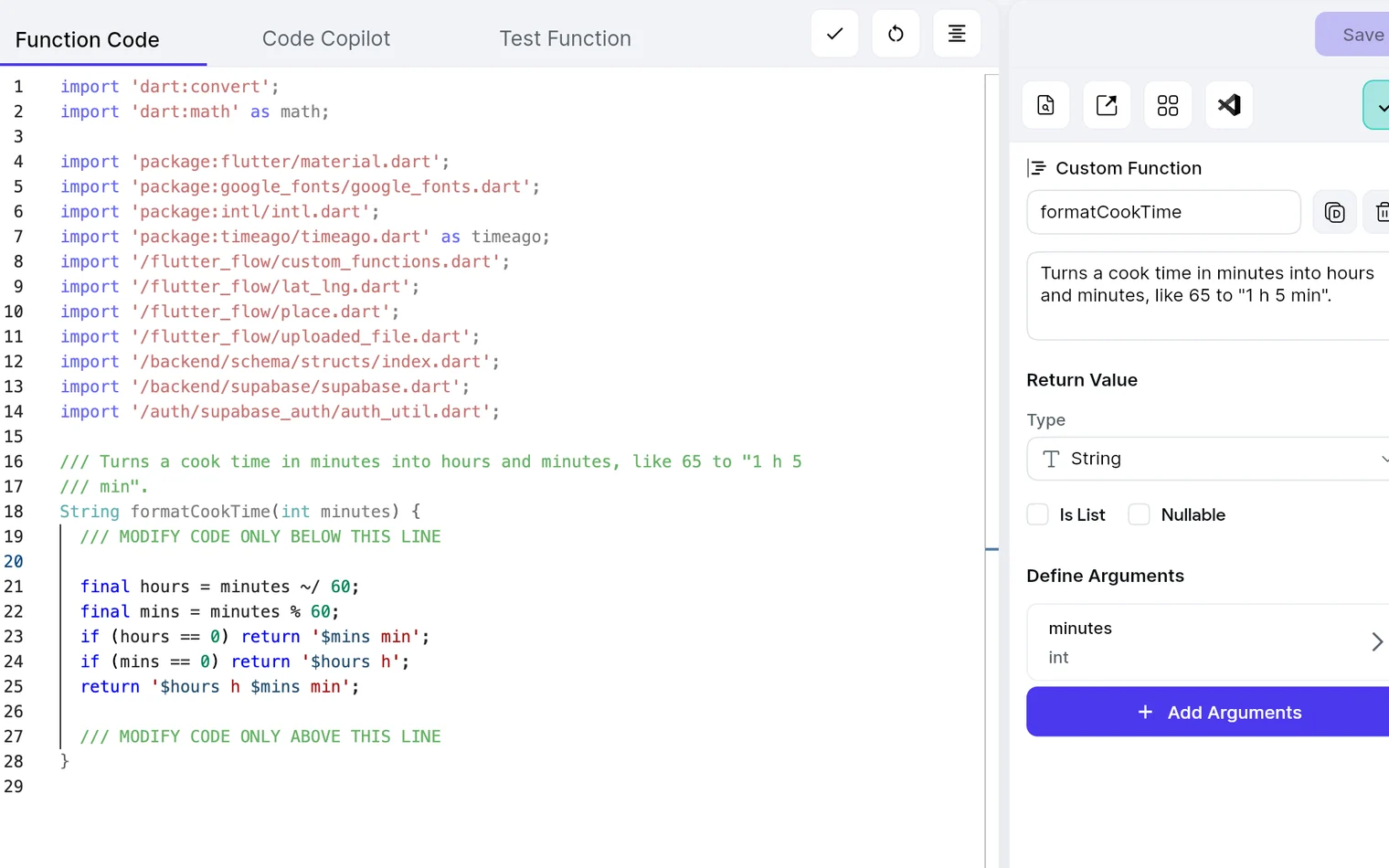
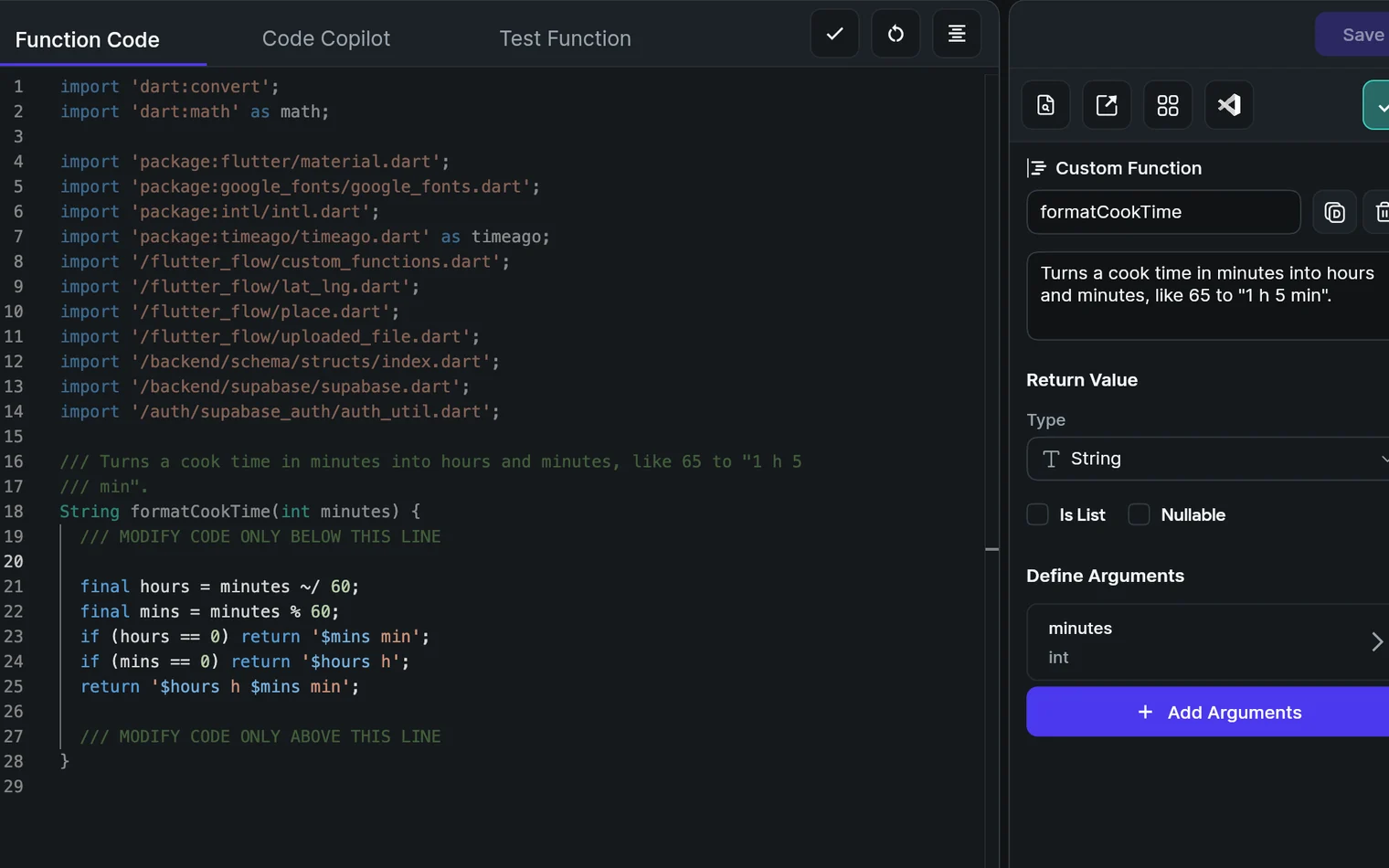
When the visual builder isn’t enough, write your own Dart functions, actions and widgets. The code is yours: download the Flutter project on any paid plan.

app.flutterflow.io
Studio’s custom code editor with the Dart function formatCookTime, which turns minutes into hours and minutes, beside its settings: a String return value and an int minutes argumentStudio’s custom code editor with the Dart function formatCookTime, which turns minutes into hours and minutes, beside its settings: a String return value and an int minutes argument

What’s new

Studio ships a new release every few weeks. Here are the latest.

All releases

Customers

What people at Wendy’s, Google and Atlassian said about building apps in Studio.

Wendy’s
“We selected FlutterFlow because it streamlines our development process, enabling us to turn ideas into reality faster than ever. This tool gives our team the flexibility to be agile and responsive, ensuring we stay ahead in delivering exceptional experiences to our customers.”
Will CroushornProduct Owner, FreshAI, Wendy’s
Google
“FlutterFlow provides tooling that helps real world developers & users build apps using it — it’s a straightforward, easy to use tool that can generate very powerful results. FlutterFlow brings the power of a rich platform to everybody.”
Tim SneathFormer Director of Product, Google
Atlassian
“I quickly created a working demo of an app in 2 hours and got a major deal thanks to FlutterFlow.”
Ganesh SPEngineering, Atlassian

Trusted by teams at

  • GM
  • Google
  • Amazon
  • IBM
  • Microsoft
  • Capital One
  • NOV
  • Wendy's
  • Salesforce
  • FIS

Questions

For everyone who already builds in FlutterFlow: what the new name means, and what stays the same.

What is FlutterFlow Studio?

FlutterFlow Studio is our visual, hands-on app development experience. Design interfaces, configure logic, connect data and APIs, and use AI or custom code when you need it. Build for iOS, Android, and web, and deploy to the App Store and Google Play. FlutterFlow Studio is the visual development platform previously known as FlutterFlow.

Why is the FlutterFlow I already use now called FlutterFlow Studio?

We’re introducing a new AI-native app builder under the FlutterFlow name. The visual builder you already use is now called FlutterFlow Studio. It’s the same platform, just with a new name. Your existing projects and workflow remain in Studio.

Is Studio going away?

No. FlutterFlow Studio remains an actively developed and supported product. The new FlutterFlow offers an additional, AI-first way to build apps.

What happens to my existing projects?

Your existing projects remain in FlutterFlow Studio. You can continue working on them as you do today. You don’t need to migrate, recreate, or modify your projects because of the name change.

Should I keep using Studio for new projects?

Yes, if you prefer building visually and working directly with your app. Studio remains a good choice for new projects, especially when you want hands-on control over your UI, logic, integrations, and code.

Will Studio keep getting new features?

Yes. We’re continuing to develop, improve, and support FlutterFlow Studio.

See the latest releases
Can a project move between FlutterFlow and Studio?

No. Projects cannot currently be transferred between FlutterFlow and FlutterFlow Studio.

Which should I use?

It comes down to one question: how do you want to build? Use FlutterFlow if you want AI to do more of the building: describe what you’re building and let an AI agent handle more of the implementation while you guide the result. Use FlutterFlow Studio if you want your hands on the details: move the button yourself instead of describing where it should go, and work directly with your interface, logic, data, and code.

FlutterFlow or FlutterFlow Studio?

Still have a question?

Read the Studio FAQ

Get started

Publish to the web, or deploy to the App Store and Google Play, straight from Studio.

Web publishing is on every plan. App Store and Google Play deployment starts on Basic.

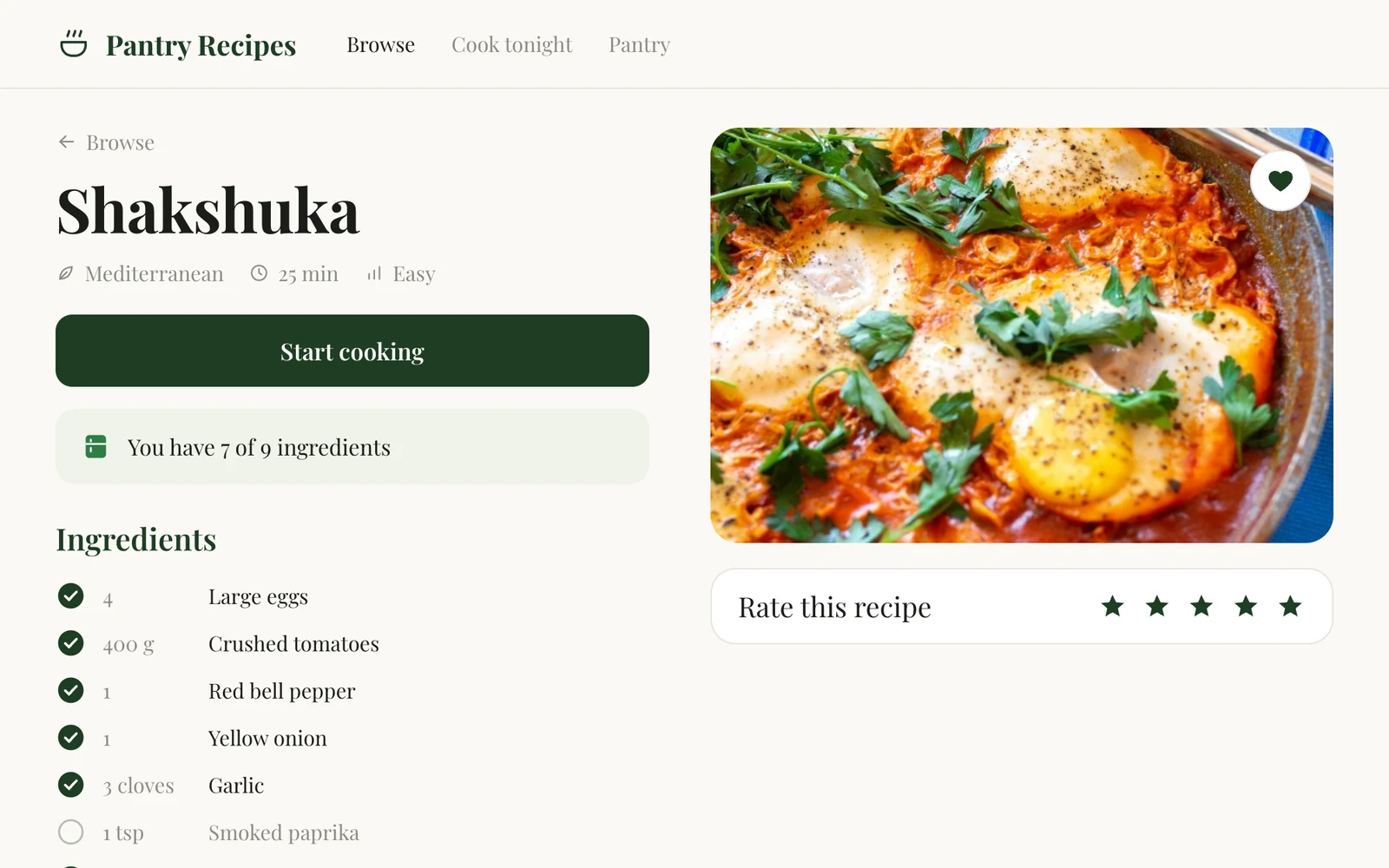
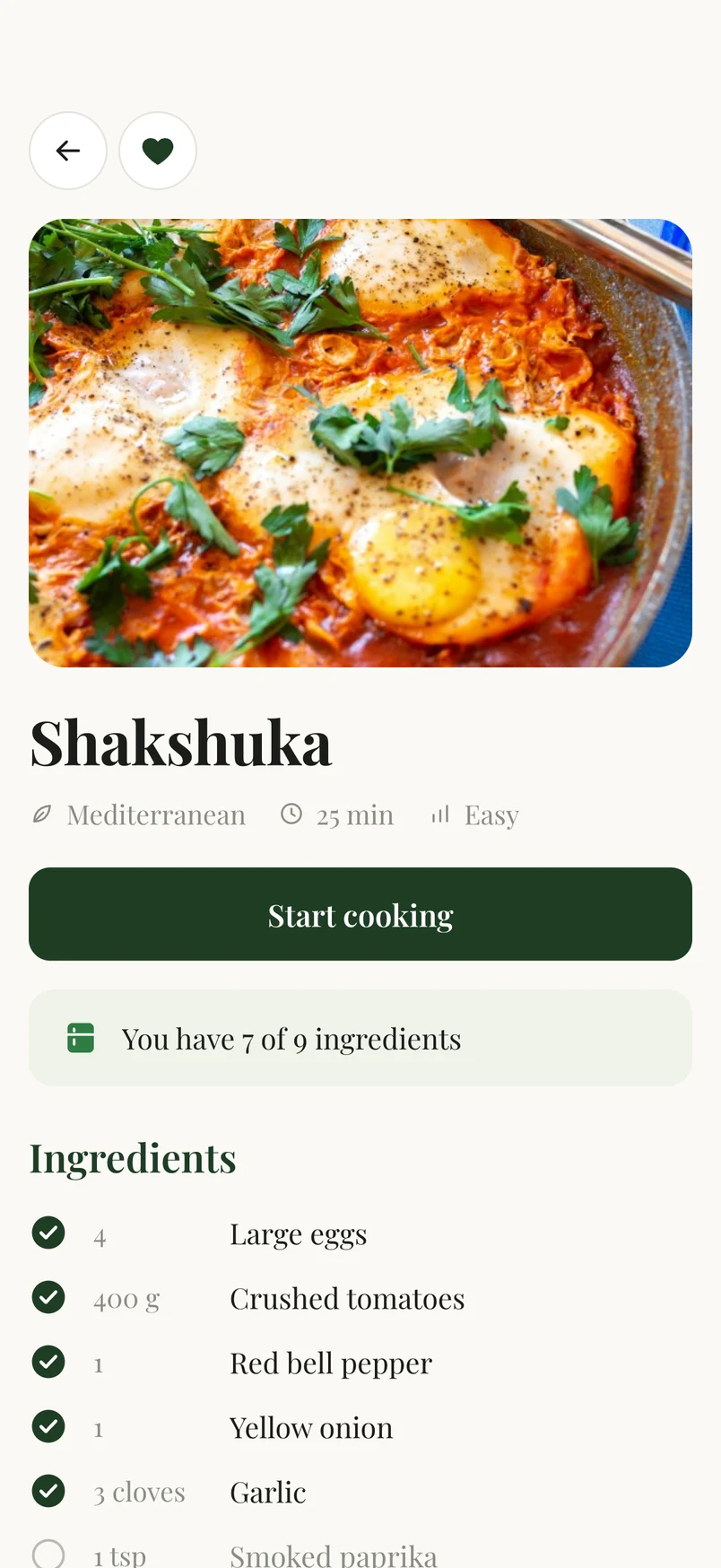
Pantry Recipes’ Shakshuka recipe on the web and on iPhone: its photo, Mediterranean, 25 min and Easy, a Start cooking button, You have 7 of 9 ingredients, and the ingredient list