AI in FlutterFlow Studio
Built-in and brought-in AI tools that build alongside FlutterFlow Studio, from the first screen to the last.
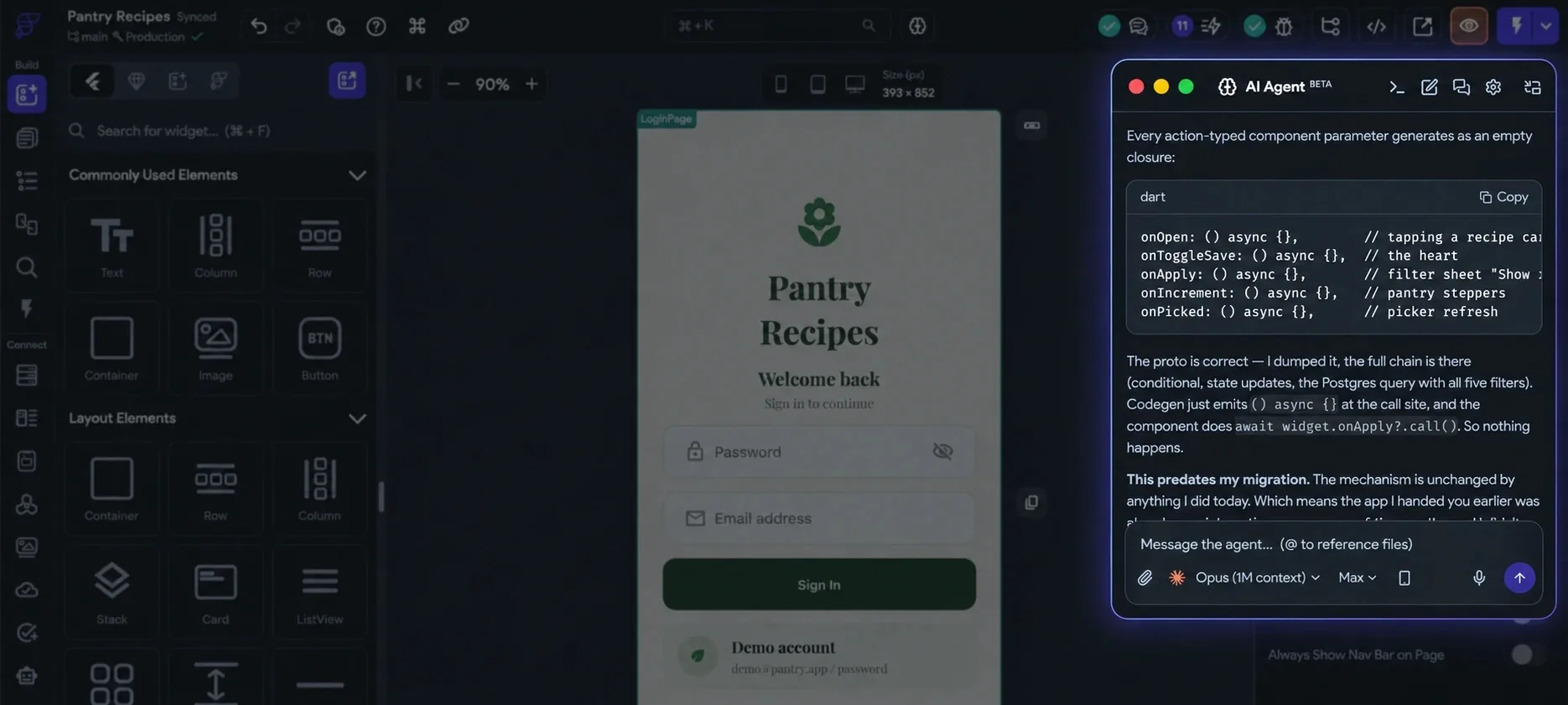
AI Agent Panel
Use your Claude, Codex, Antigravity or Gemini account inside the FlutterFlow Studio desktop app. The agent reads your project, edits it and runs it.
-
 Claude, Anthropic · Claude Code
-
 Codex, OpenAI · ChatGPT account
-
 Antigravity, Google account
-
 Gemini, Google Workspace or API key
I’m connected to Pantry Recipes. Describe a screen and I’ll build it on the canvas, then ask for changes.
Opus (1M context)MaxPlugins for Claude Code and Codex
Build FlutterFlow Studio apps from Claude Code or Codex. The agent reads your project, makes the change, validates it and ships it live.









Web and desktop · No setup
Generate with Designer
Describe a page or component and get real FlutterFlow Studio widgets in your app’s theme.
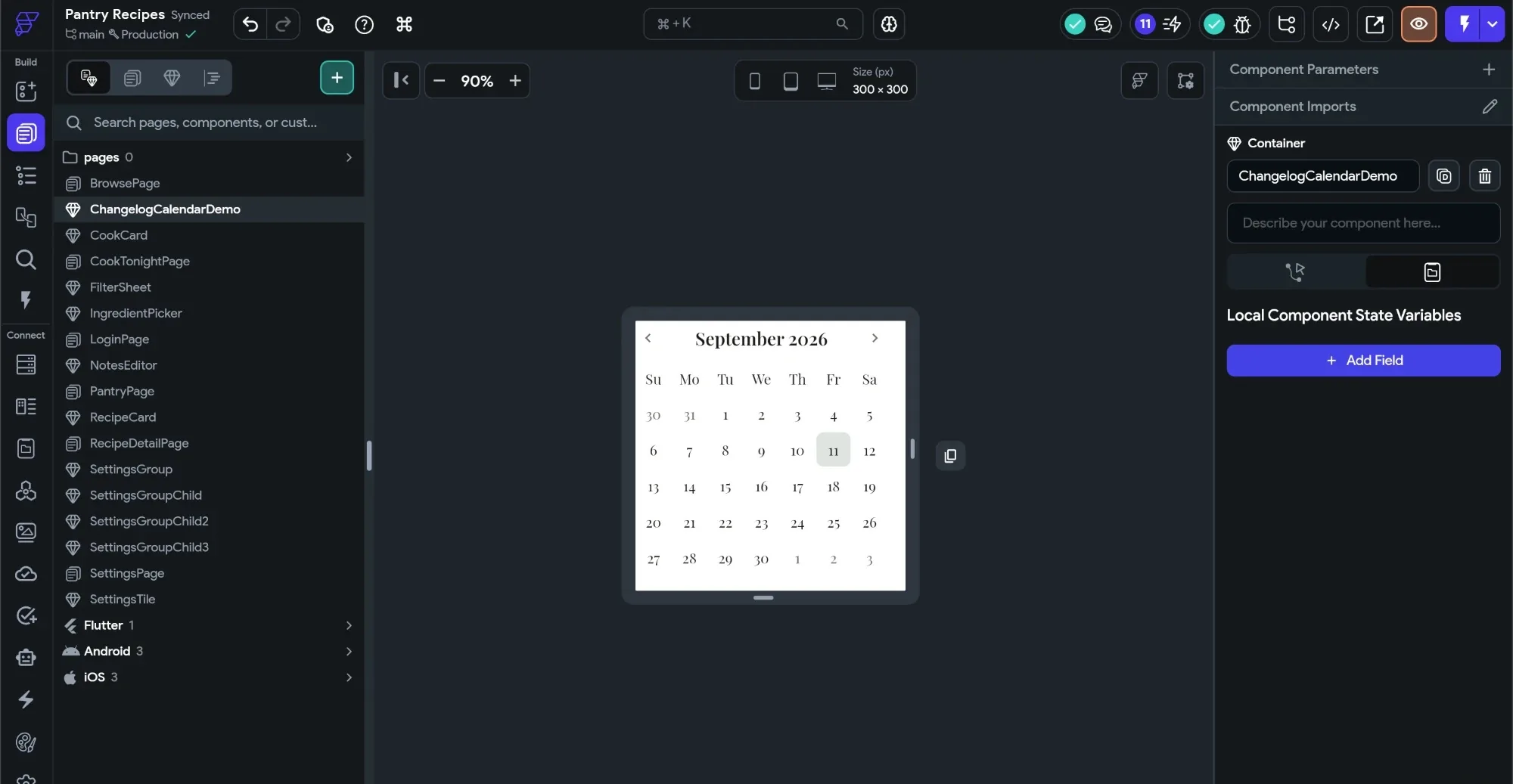
It uses your theme
Your project’s colors and text styles go with the prompt. What comes back looks like it belongs in the app you already have.
Real widgets, not a picture
A page arrives as a new page. A component arrives as a shared component, with any nested components as their own reusable pieces.
Nothing to set up
No provider account, no CLI, no install. Works in the browser editor and the desktop app. Just be signed in.
Find it under the + in Pages or Widgets, or open the command palette and type designer.Or start from your Figma file: Page from Figma, Component from Figma.
FlutterFlow MCP server
Install the FlutterFlow CLI and run its setup wizard. Your coding agents can then read, edit, branch and test the project.
- Claude Code, .mcp.json · project-scoped
- Codex, .codex/config.toml
- Gemini CLI, registration command · project
- Antigravity, user-global config
-
 Amazon Q Developer, registration command · project
-
 Kiro, .kiro/settings/mcp.json
-
Install the CLI
Needs Dart, which comes with Flutter.
-
Run the setup wizard
It asks for your API key from your account page, then lets you pick a project or create one.
-
Open the workspace in your agent
The wizard prints its folder. Start Claude Code, Codex or any MCP-aware agent there.
Prefer flags? flutterflow ai init my-app --project <id> skips the wizard. To add the server to another MCP config, run flutterflow ai mcp --workspace "$(pwd)".
Test Pilot
Write tests in plain English. An agent taps through a real build of your app and shows you, step by step, where it failed.
Step-by-step screenshots, optionally in a device frameCancel mid-run, re-open any past runIt reports. Fixing is yours, or the Agent Panel’s.
Welcome back
Standalone product
FlutterFlow Designer
Describe an app and get an editable, multi-screen design with shared navigation and theme, ready to build in FlutterFlow Studio.
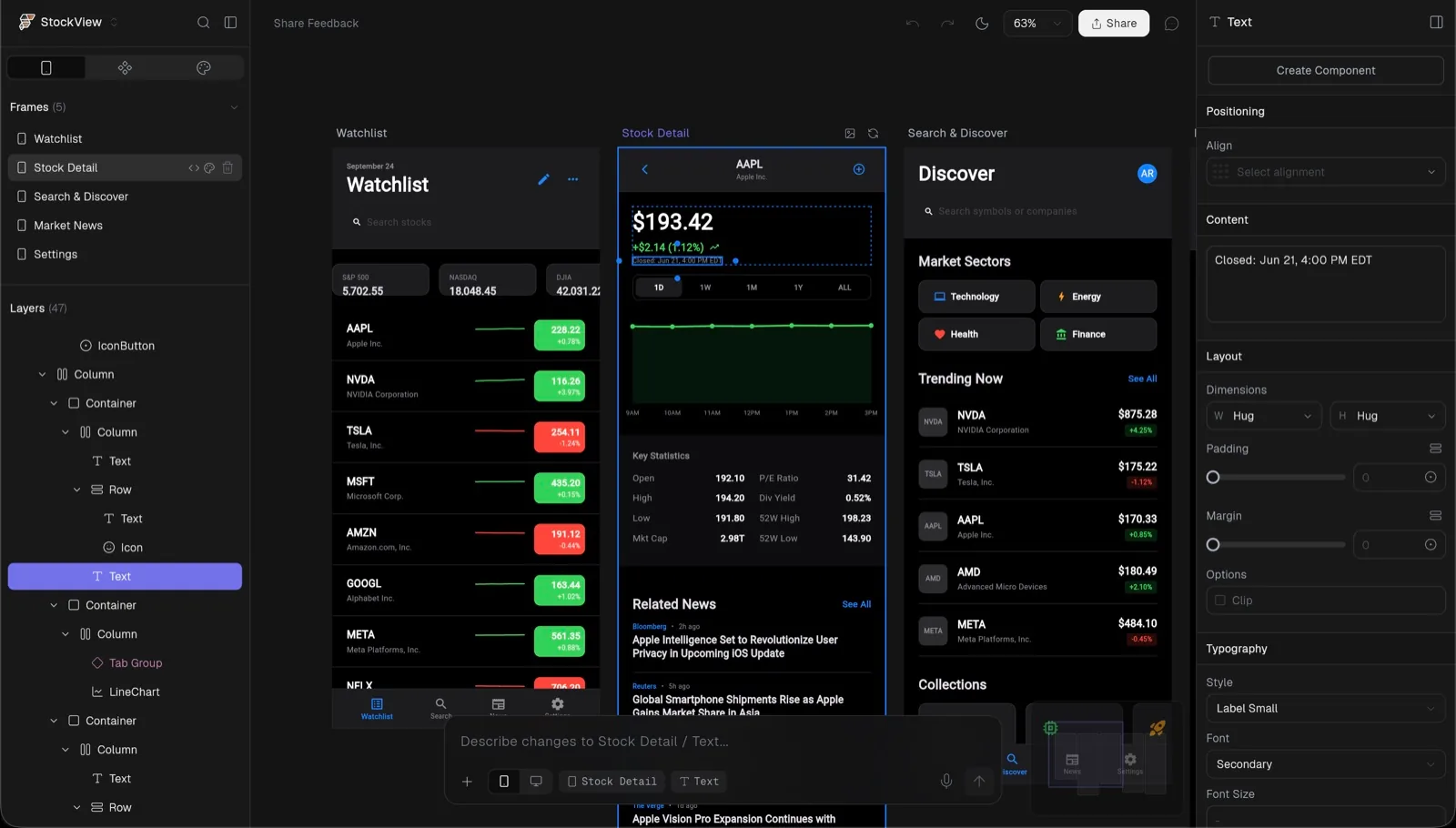
Multi-screen from one prompt
A creative director agent sets the direction, navigation and theme, then briefs each screen. The result reads as one app, not eight unrelated mockups.
A document, not an image
Every frame is a structured design tree. Select a button and describe the change, or drag, retype and restyle it yourself. One AI edit is one undo.
Continue to Builder
Theme, shared components and page widgets convert into a real FlutterFlow Studio project. Or export PNGs, a .pptx deck, or context for a coding agent.
Designer is its own product. It is also the engine behind Generate with Designer inside FlutterFlow Studio.Web, macOS, and embedded in FlutterFlow Studio.
Questions
What the AI tools cost, what they need and where they run.
Is FlutterFlow AI free?
You can start for free. Every plan includes a monthly allocation of AI credits, shared by FlutterFlow and the credit-based AI features in FlutterFlow Studio; the allowance depends on your plan. The AI Agent Panel runs on your own Claude, Codex, Antigravity or Gemini account. Test Pilot, the CLI and the MCP server need a paid plan.
See pricingDoes FlutterFlow use AI?
Yes. FlutterFlow Studio has AI tools across the workflow: the AI Agent Panel in the desktop app, plugins for Claude Code and Codex, Generate with Designer, the MCP server, Test Pilot for AI testing, and FlutterFlow Designer.
Which AI is best for Flutter coding?
Whichever coding agent you already use. FlutterFlow Studio has official plugins for Claude Code and Codex, the Agent Panel works with Claude, Codex, Antigravity and Gemini accounts, and the MCP server connects Gemini, Cursor, GitHub Copilot, Kiro, Amazon Q Developer and other MCP-aware agents.
Can I use Claude Code or Codex with FlutterFlow Studio?
Yes. Add the FlutterFlow marketplace (FlutterFlow/flutterflow-claude or FlutterFlow/flutterflow-codex), install the plugin and copy your FlutterFlow API key. The plugin sets up the FlutterFlow CLI, auth and MCP for you.
Plugin docs, opens in a new tabWhat is the FlutterFlow MCP server?
It ships with the FlutterFlow CLI and exposes your project to MCP-aware coding agents, so they can read it, plan changes and apply them. Install the CLI with dart pub global activate flutterflow_cli, then run flutterflow ai to set up a workspace.
CLI docs, opens in a new tabCan I add AI features to the apps I build?
Yes. AI Agents let your app call models from OpenAI, Anthropic and Google, configured in FlutterFlow Studio. Basic includes one agent, and Pro and Max include unlimited agents.
AI Agents docs, opens in a new tabDo I need the FlutterFlow Studio desktop app?
Only for the AI Agent Panel, which runs inside the desktop app. The plugins, CLI and MCP server work from your terminal or coding agent, and Generate with Designer runs in the browser.
Download the desktop appStill have a question?
Contact us