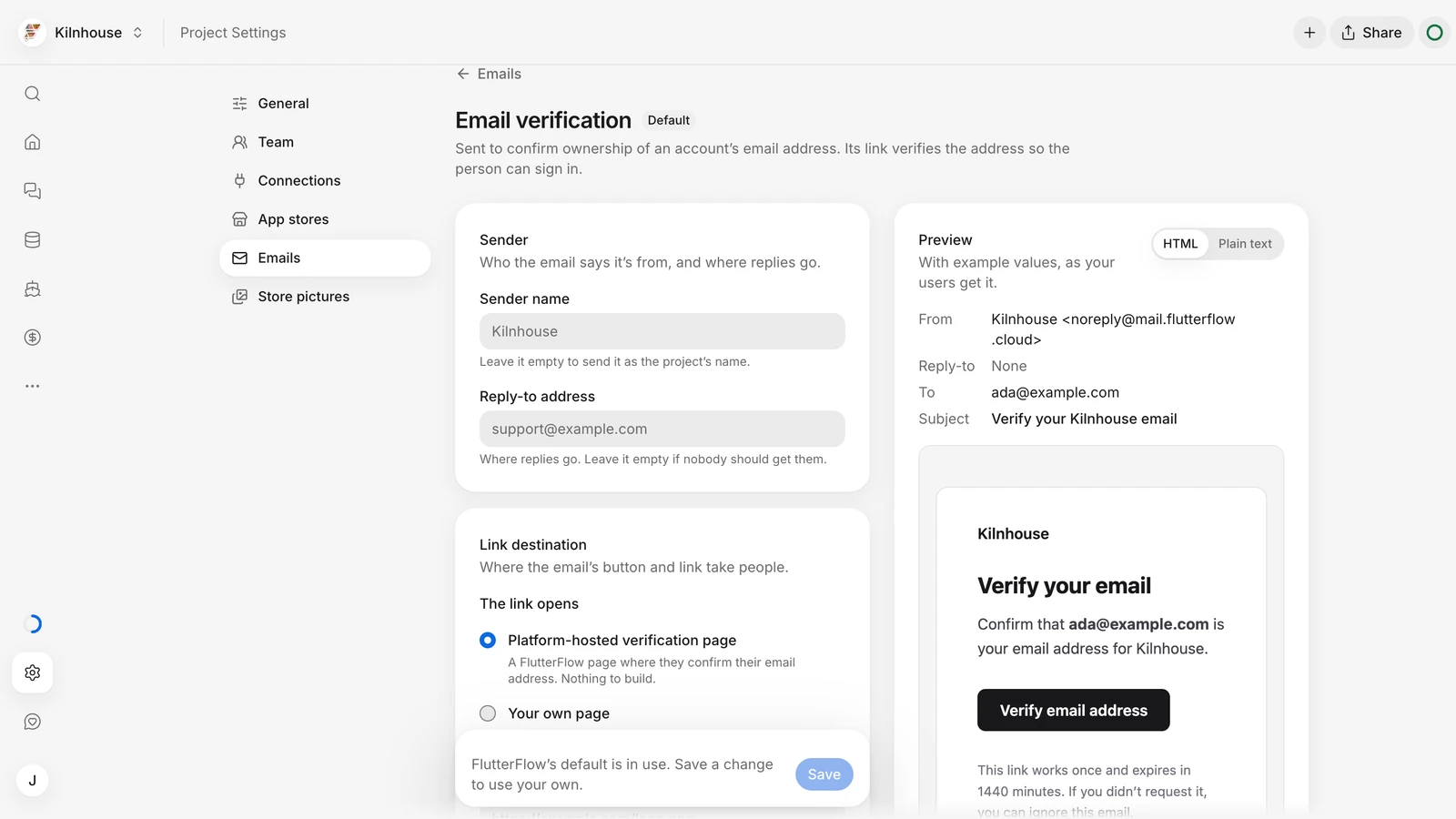
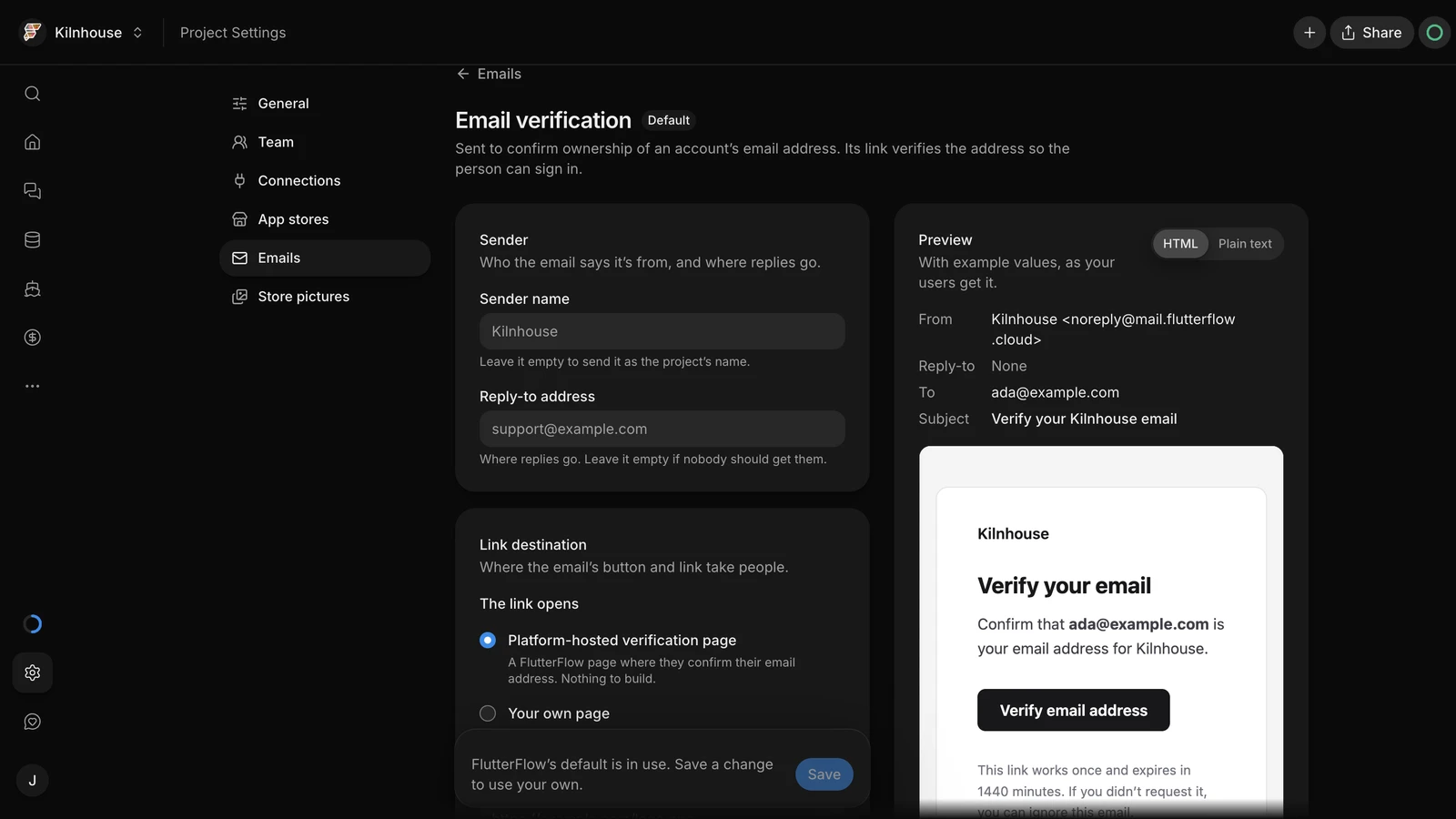
Your app can ask people to verify their email address, with its name and logo on the verification pages. Android installs moved from Releases to Share.
Highlights
Your app
Email verification: Ask the agent to require verified email addresses for sign-in. Edit the verification email and its logo in Settings › Emails. The verification and password-reset pages show your app's name and that logo.
iOS background location: Your iOS app can keep sharing location while the phone is locked, for example to track a driver on a delivery. Ask the agent to add it.
Full app rename: When you ask the agent to rename your app, it changes the project name and the name under the app's icon, not just the words on its screens.
Firebase setup: On the Firebase connection page, press “Set up Firebase in my app” and the agent sets up email/password sign-in and Firestore. A project owner approves each change in the thread.
Releases
Android installs moved to Share: “On your phone” is gone from Releases. Download your Android app from Share › ⋯ › “Download APK”, or open your Live App's link on an Android phone to install it.
iOS testing: To put your app on an iPhone, add yourself under App Store › “Testers” in Releases, then install it from TestFlight.
Automatic App Store release: App Store versions submitted through FlutterFlow go live as soon as Apple approves them.
Account
Account deletion: Delete your FlutterFlow account, Studio included, from the “Danger zone” on your account page. Changed your mind? Sign in within 7 days to restore it.