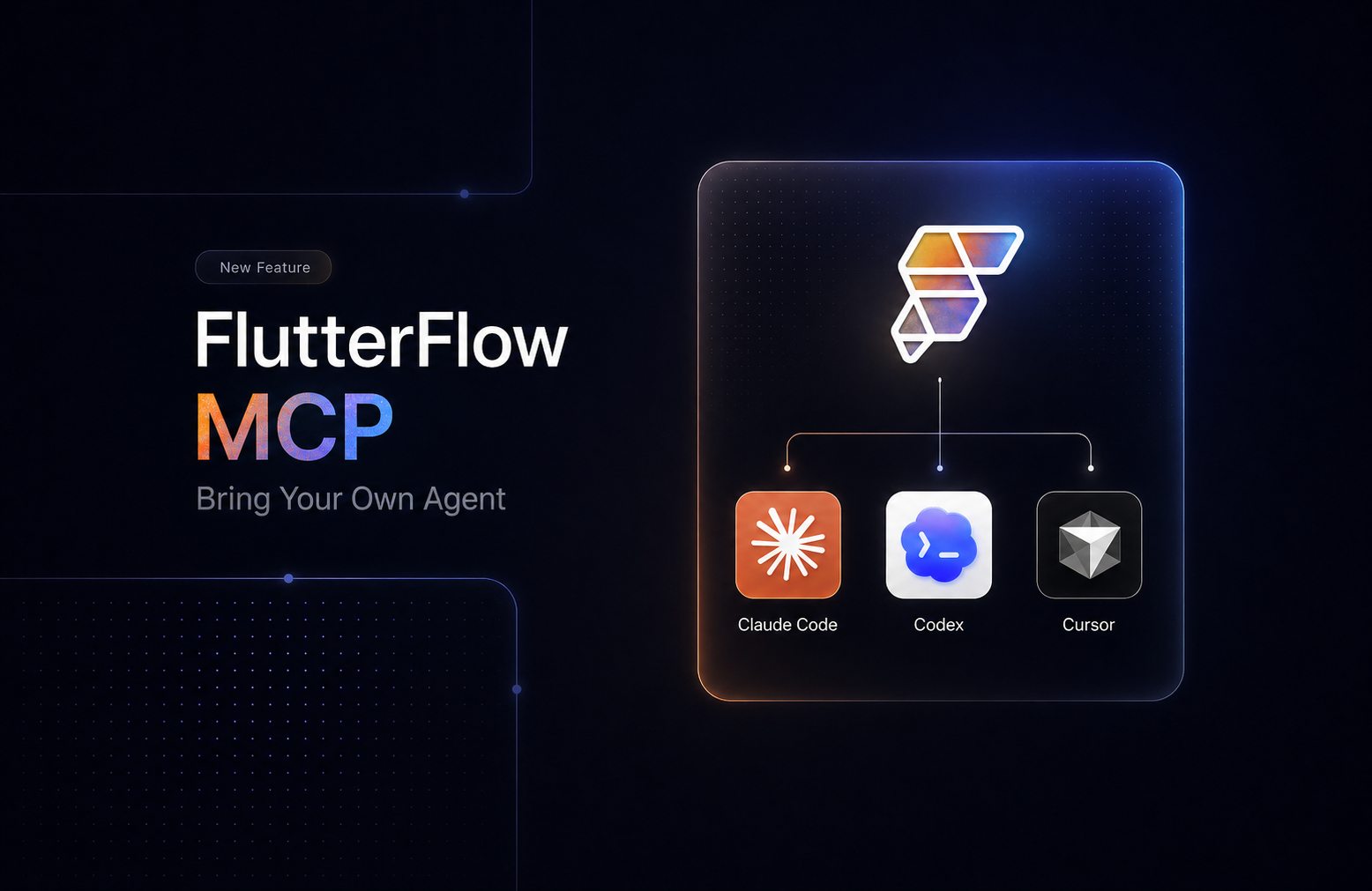
We've launched FlutterFlow MCP, a new way to build and edit FlutterFlow apps using the AI coding agent you already use.
Point Claude Code, Cursor, or any agent at your FlutterFlow project, and ask it to add a page, wire up an API, restyle a component, or fix a bug. The agent writes precise, reviewable code, validates it locally, and pushes the changes to your project, where they show up in the FlutterFlow editor just like anything else.
Getting Started
You'll need an API token. Grab one at https://app.flutterflow.io/account.