All releases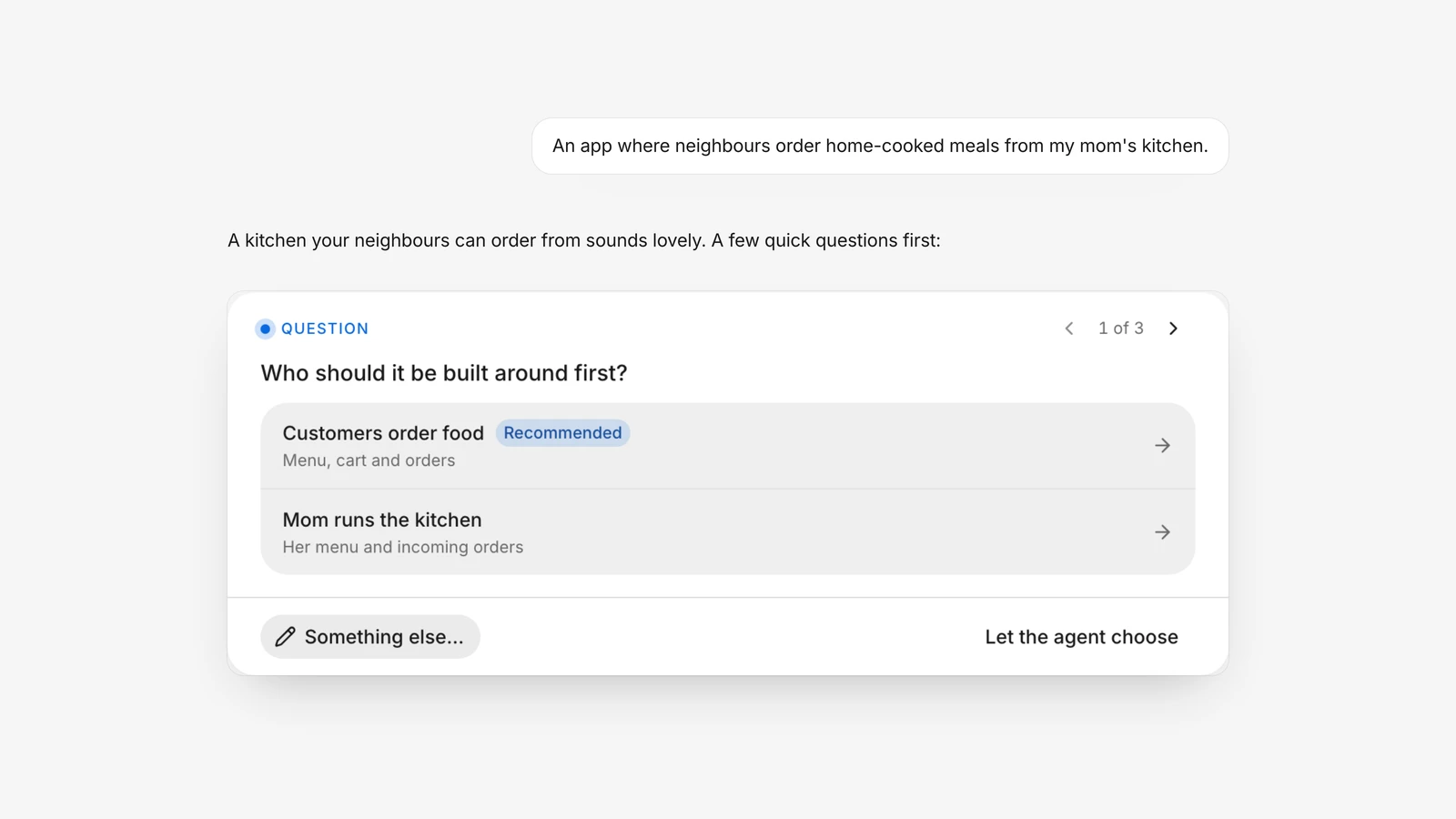
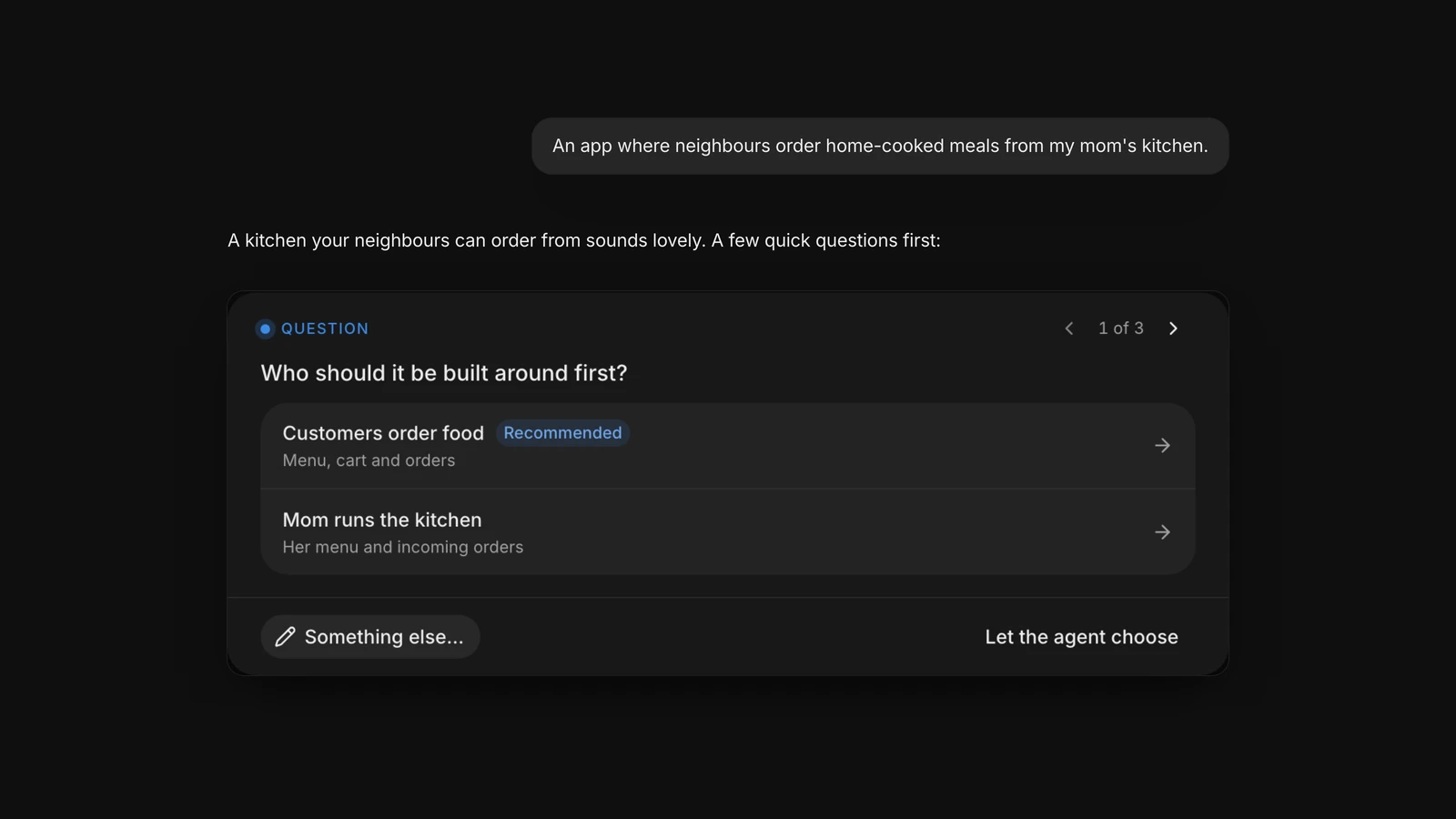
Questions before your first version
Describe a new app and the agent asks a few questions first. Then press “Build now” for your first version.
Highlights
Threads
- Ask the agent to push and it brings the thread's changes into your app, the same as the “Push to your app” button.
Releases
- Ask for store pictures and the agent makes the App Store header and Google Play's feature graphic beside your phone screenshots.
- Send your store pictures to the App Store and Google Play from the Store listing page in Releases.
- When an iPhone or Android build fails, a “Fix with the agent” button puts the error in a message you can send to the agent.